Ki Pro Quad

4K/UltraHD/2K/HD Solid State File Based Recorder

Ki Pro Quad has been discontinued.
Please visit the Ki Pro family page for current alternatives.


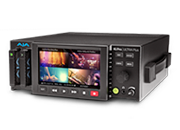
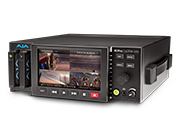
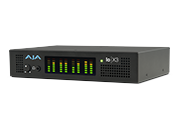
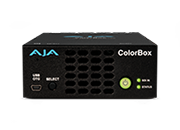
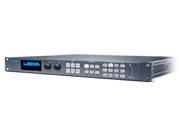
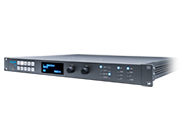
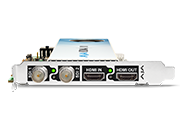
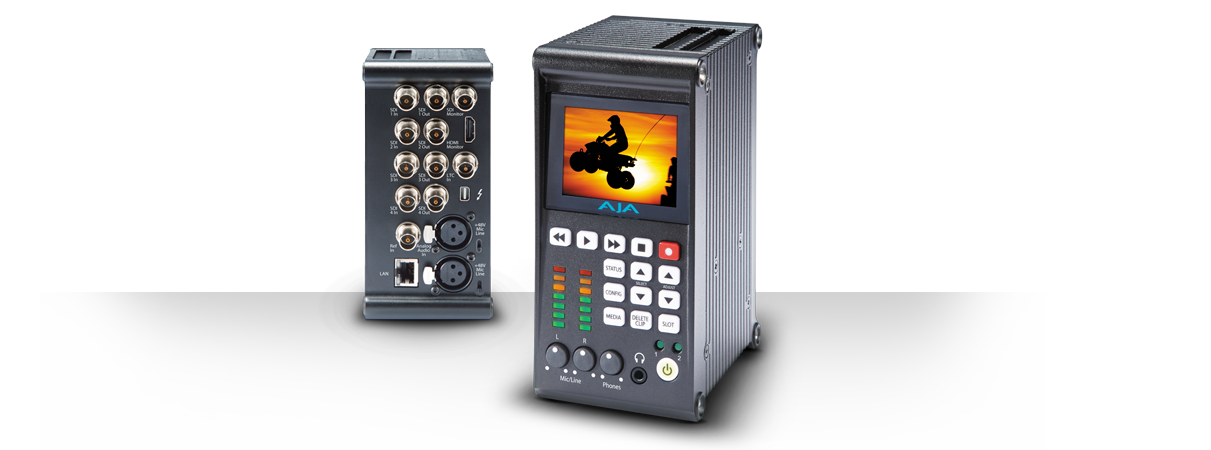
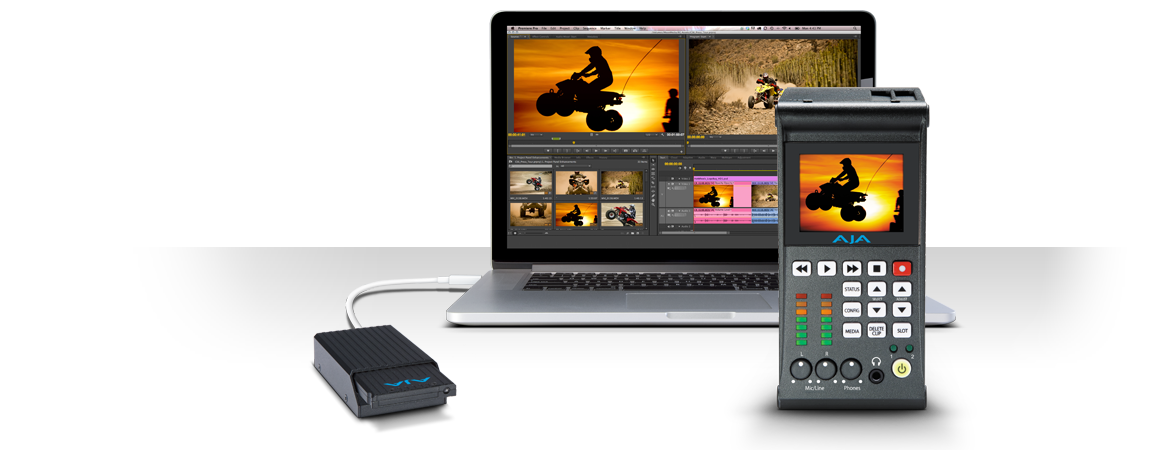
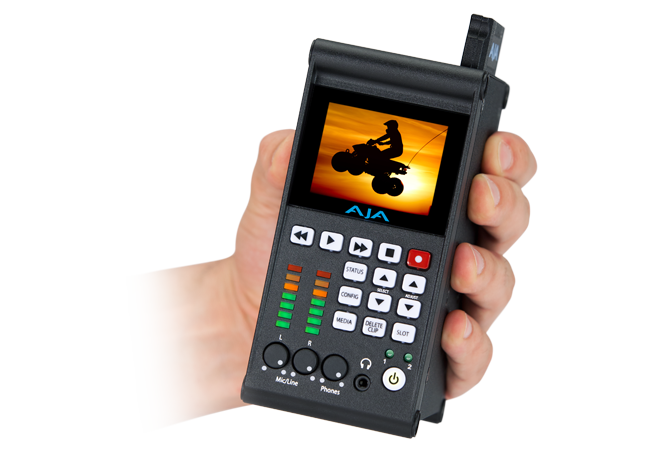
Ki Pro Quad enables 4K/UltraHD/2K/HD workflows with efficient Apple ProRes capture and playback in a compact, file based recording and playback device that easily mounts directly behind a variety of cameras.

Ki Pro Quad serves as a central gathering point for the main needs of 4K production; capture efficient, edit friendly 4K Apple ProRes files with pristine image quality and output to 4K and HD monitors with real time down conversion simultaneously. Work on HD and 2K resolution projects now with full 4:4:4 or 4:2:2 quality and switch Ki Pro Quad to record 4K any time the need arises. Ki Pro Quad covers your portable recording and playback needs today and into the future.


Tech Specs

Tech Specs are subject to change.


Video Format

• (4K) 4096 x 2160PsF 23.98, 24, 25*, 29.97* 
• (4K) 4096 x 2160p 23.98, 24, 25, 29.97, 50**, 59.94** 
• (UltraHD) 3840 x 2160PsF 23.98, 24, 25*, 29.97* 
• (UltraHD) 3840 x 2160p 23.98, 24, 25, 29.97, 50**, 59.94** 
• (2K) 2048 x 1080PsF 23.98, 24, 25*, 29.97* 
• (2K) 2048 x 1080p 23.98, 24, 25, 29.97, 50, 59.94
• (HD) 1080i 25, 29.97, 30
• (HD) 1080PsF 23.98, 24, 25*, 29.97* 
• (HD) 1080p 23.98, 24, 25, 29.97, 50, 59.94
• (HD) 720p 23.98*, 25*, 29.97*, 50, 59.94, 60 


*Note: Require a valid camera source and the use of the Record Type>PsF selection
**Note: Not supported for recording, only for input pass through


Codec Support

• Apple ProRes 422
• Apple ProRes 422 (HQ)
• Apple ProRes 422 (LT)
• Apple ProRes 422 (Proxy)
• Apple ProRes 4444


Removable Storage

• 2 x slots, AJA Pak SSD Media


Video Input Digital

• 4x 3G/HD SDI, SMPTE-292/296/424, 10-bit (12-bit input supported)
• 4K or UltraHD 4:2:2 or 4:4:4 (4 x BNC)
• Dual Link 4:2:2, 4:4:4 or Canon Raw (2 x BNC)
• Single Link 4:2:2, 4:4:4 or Canon Raw (1 x BNC)
• 1D LUT Support


Video Output Digital

• 4x 3G/HD SDI, SMPTE-292/296/424, 10-bit
• 4K or UltraHD 4:2:2 or 4:4:4 (4 x BNC)
• Dual Link 4:2:2 or 4:4:4 (2 x BNC)
• Single Link 4:2:2 or 4:4:4 (1 x BNC)
• 1x HD SDI monitor output with support for up to 2K 2048 x 1080 4:2:2
• 1x HDMI v1.4 monitor output
• 1D LUT support


Audio Input Digital

• 8-Channel, 24-bit SDI embedded audio, 48 kHz sample rate, synchronous


Audio Input Analog

• 2-Channel, 24-bit A/D analog audio, 48 kHz sample rate, balanced (2 x XLR)
• Input level: Line, Mic, Mic+phantom 48Vdc
• +24dBu full scale digital
• +/- 0.2dB 20 Hz to 20 kHz frequency response


Audio Output Digital

• 8-Channel, 24-bit SDI embedded audio, 48 kHz sample rate, synchronous
• 8-Channel, 24-bit HDMI embedded audio, 48 kHz sample rate, synchronous


Audio Output Analog

• Stereo unbalanced headphone jack (1 x mini TRS)


Timecode

• SDI RP188/SMPTE 12M via SDI BNC
• LTC input (1 x BNC)


Reference Input

• Analog Color Black (1V) or Composite Sync (2 or 4V)


Network Interface

• 10/100/1000 Ethernet (RJ-45)
• Embedded web server for remote control


Data Interface

• 1 x Thunderbolt


User Interface

• 320 x 240 LCD display and 14 dedicated operational buttons


Size (w x d x h)

• 4.55" x 2.85" x 5.89" (115.57mm x 72.39mm x 149.606mm)


Weight

• 2.3 lbs (1.1 kg)


Power

• 100-240 VAC 50/60 Hz, 12-18Vdc 4-pin XLR, 5A max, 31.2-35.5W typical-41.5W Max


Environment

• Safe Operating Temperature: 0 to 40 degrees C (32 to 104 degrees F)
• Safe Storage Temperature (Power OFF): -40 to 60 degrees C (-40 to 140 degrees F)
• Operating Relative Humidity: 10-90% noncondensing
• Operating Altitude: <3,000 meters (<10,000 feet)


Options


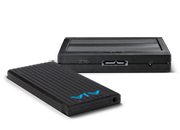
Ki Pro Quad lets you record edit-friendly 4K, 2K, or HD ProRes files directly to removable AJA Pak Media. Once removed from the Ki Pro Quad, the Pak can be inserted in the AJA Pak Dock which connects directly to your computer via Thunderbolt ™ or USB3, allowing you to rapidly transfer ProRes files that are ready for use immediately in your non-linear editing system.

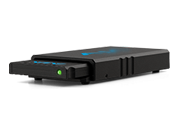
AJA Pak Dock

External Pak Dock with Thunderbolt™ and USB3 connections for fast transfer of media to a host computer.

Download Latest Version

Pak Media

Pak Media is a high-capacity solid state drive encased in a protective housing with rugged connection engineered to handle the rigors of repeated use in the field and is available in 256GB/512GB and 1TB as Pak256, Pak512 and Pak1000 respectively.

More Information

Mini Mounting Plate

Ki Pro Quad has the exact same side dimensions as Ki Pro Mini, allowing both models to share accessories such as the Mini Mounting Plate. This option plate allows you to mount Ki Pro Quad to 3rd-party devices. The plate is attached via 4 supplied screws; plates can be attached to either or both sides of Ki Pro Quad. A large number of screw holes in the plate allows you to mate Ki Pro Quad to 3rd-Party battery plates, hot-shoe adapters and other mounting applications.

Desktop Stand

This stand securely holds the Ki Pro Quad upright on a desk, shelf, or any flat surface. A right angle power cable is provided for easy connection between the power supply and the Ki Pro Quad.

Rod Accessory Plate

This option, which is interchangeable with Ki Pro Mini, provides an accessory plate that can attach to a Mini Mounting Plate (sold separately) so you can attach Ki Pro Quad to user-supplied 15mm camera accessory rods. The accessory plate has knobs for adjusting the height of the rods relative to the Mini Mounting Plate, as well as a set of knobs for securing the rods in the bracket.

Monitor Hood (included)

For working in direct light situations, a monitor hood is included that screws onto the Ki Pro Quad chassis for a secure fit that helps block direct light onto the built-in confidence monitor.

This v5.2 firmware update adds support for 4K output via HDMI as well as several improvements and fixes. Please read the Release Notes for more details on v5.2 improvements.

Be sure to consult the updated Ki Pro Quad Installation and Operation Manual for information about features, configuration guidelines and the proper procedure for updating your Ki Pro Quad firmware.

Note: AJA recommends a Factory Reset under the CONFIG menu prior to updating firmware. In some rare cases, after performing a firmware update, the Ki Pro Quad may report 10% completion during reboot and not progress further.  If this occurs, simply power down the unit and then reboot.

Mirrors

Download


This firmware version for the Ki Pro Quad updates the web UI to be compatible with Safari 7.  Earlier versions of the Ki Pro Quad firmware and web UI may not respond as expected when used with Safari 7.  If you are planning on using Safari 7, you should update to this firmware version.

Important: To perform the update, you will need to use a web browser other than Safari, such as Firefox or Chrome.

The Ki Pro Quad Installation and User Manual is available in the Manual section of the Ki Pro support area as well as within the .zip archive.

Note: AJA recommends a Factory Reset under the CONFIG menu prior to updating firmware.

Mirrors

Download


This v5.1 firmware update is a maintenance release for Ki Pro Quad. It includes several improvements and fixes. Please read the Release Notes for more details on v5.1 improvements.

Be sure to consult the updated Ki Pro Quad Installation and Operation Manual for information about features, configuration guidelines and the proper procedure for updating your Ki Pro Quad firmware.

Note: AJA recommends a Factory Reset under the CONFIG menu prior to updating firmware.

Mirrors

Download


AJA's CamXchange software works in conjunction with AJA's Ki Pro Quad to capture RAW data passed via Thunderbolt from the Ki Pro Quad. See the CamXchange User Manual, contained within the .zip file, for details on installatioin and operation.
Mirrors

Download


This is the initial release version of Ki Pro Quad firmware. The .zip archive contains the release software, manuals and other documentation. Note: AJA recommends a Factory Reset under the CONFIG menu prior to updating firmware.

Mirrors

Download

Please download the PDF for information on AJA and QuickTime 7 for Windows as of May 2016.

Mirrors

Download


Sign-up with AJA!

Receive the latest news and product update information

Submit and Download

Continue to Download without Sign-up

Your details will be registered with the AJA Video Systems database to receive occasional news of important software updates, new products and services. Please view our privacy policy for more information.