AJA Desktop Software

AJA Desktop Software

Software Package for AJA I/O products
Download
AJA Desktop Software

Overview

AJA Desktop Software connects AJA video and audio I/O hardware with a broad ecosystem of applications and workflows across media and entertainment, broadcast, post-production, proAV, corporate AV, education, live production, streaming and content creation, virtual production, and medical imaging. 

From capture, monitoring, editing, color, audio, visual effects, and finishing to live graphics, presentations, streaming, recording, playout, and specialized video systems, AJA Desktop Software supports reliable video and audio I/O across a wide range of production environments supporting both SDI and IP workflows. 

The AJA Desktop Software package includes a suite of applications, drivers, and firmware to enable AJA's video and audio I/O hardware support for powering video capture, playback, and configuration. This package ensures that you have everything needed to effectively use AJA's hardware with supported software and systems. 

This software suite includes: 

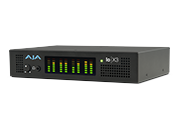
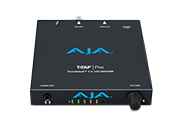
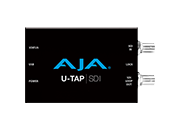
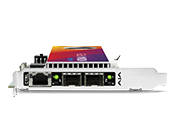
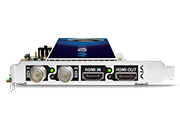
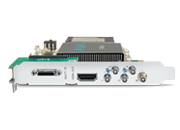
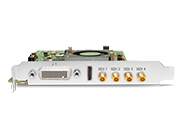
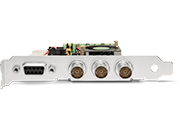
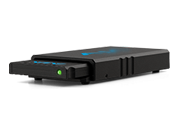
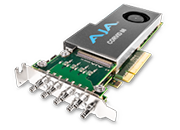
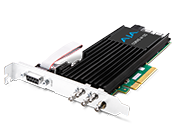
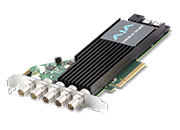
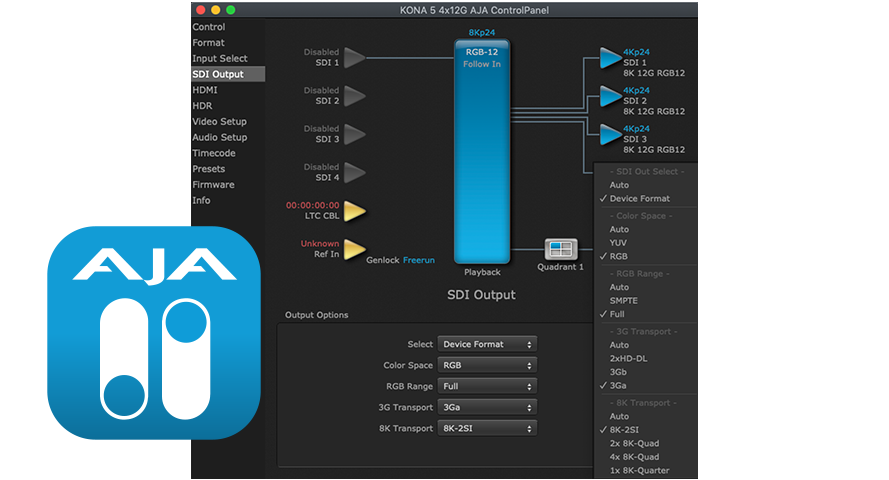
  • AJA Control Panel: For setup and control of AJA KONA, Corvid*, Io, and T-TAP Pro products, including firmware updates. 
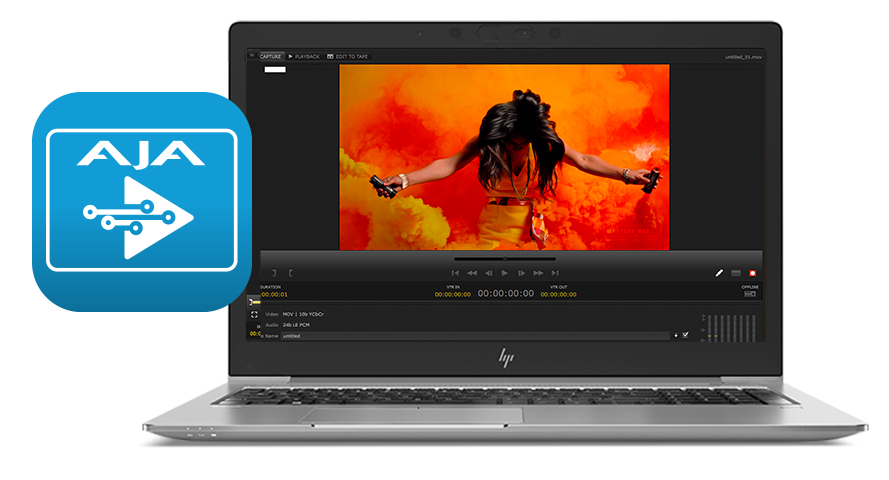
  • AJA Control Room: A tool for high-quality capture, monitoring, playback, and output. 
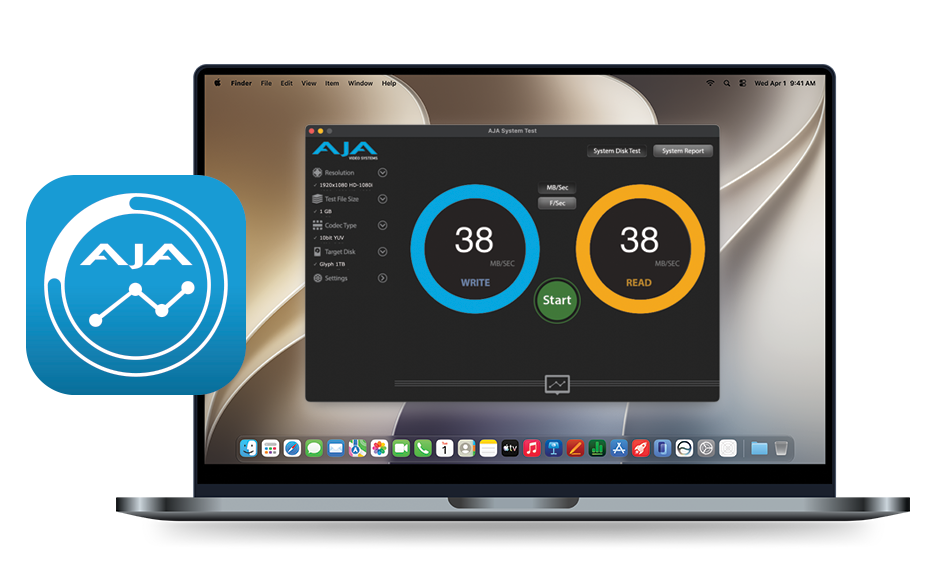
  • AJA System Test: Used for testing storage to determine if it can sustain the required frame or data rates for a given format. In addition to disk performance, the full version of System Test (included in the full AJA Desktop Software downloads) can also evaluate your PCIe bandwidth to determine if your system configuration can support various data rates to PCIe-based I/O devices. 

Explore currently supported applications here: 

Io and T-TAP Compatibility | KONA Compatibility  | Corvid Compatibility 

* Corvid products are designed for Developers, so some Desktop Software features may not be available. Please contact AJA Technical Support for more information. 

Features

  • Cross-Platform Support: Compatible with macOS, Windows, and Linux. 
  • Integration with Popular Software: Adobe After Effects, Adobe Premiere Pro, Apple Final Cut Pro, Autodesk Flame, OBS, Telestream Wirecast, and many more. 
  • Versatile I/O Options: Supports a wide range of input and output formats, including 12G-SDI, HDMI and Thunderbolt. 
  • Advanced Color Management: Tools for managing the latest color formats in live production, on-set, post-production, and delivery.

AJA Control Panel

AJA Control Panel is a powerful tool designed for the setup and control of AJA's video I/O hardware, such as KONA, Corvid*, Io, and T-TAP products. Control Panel is essential for configuring the performance and functionality of your AJA Desktop/Mobile devices.

  • Device Configuration: Configure your AJA hardware, including input/output formats, frame rates, and audio channels. 
  • Firmware Updates: Provides an easy way to update the firmware of your AJA devices to ensure they are running the latest features and improvements. 
  • Presets: Save and load configurations for commonly used workflows 
  • Diagnostic Tools: Includes tools for diagnosing and troubleshooting issues with your AJA hardware. 

* Corvid products are designed for Developers, so some Desktop Software features may not be available. Please contact AJA Technical Support for more information. 

AJA Control Room

AJA Control Room is a versatile software application designed for capture, monitoring, and playback of video and audio to supported external devices including VTRs and digital player/recorders, audio equipment, and more. AJA Control Room supports a wide range of file types and codecs, including Uncompressed, Apple ProRes, H.265, and H.264. It can be used as a stand-alone media player or in conjunction with AJA hardware for enhanced functionality.

  • Ingest: Capture video and audio from various sources, including live feeds and tape-based media. 
  • Playback: Playback professional media files in formats such as 8K, 4K, HD, and SD. 
  • Monitoring: Monitor video and audio quality during capture and playback. 
  • Output: Output video and audio to different devices and formats, supporting SDI, HDMI, and IP workflows. 

Control Room

AJA System Test

AJA System Test is a tool designed to evaluate the performance of your storage systems. System Test does real-world tests to check if your storage systems can handle the data rates required for editing and playback for your project.

  • Speed Testing: Measures the read and write speeds of your drives, including hard drives, SSDs, RAIDs, and network-attached storage (NAS) devices. 
  • Performance Analysis: Provides insights into the overall throughput and performance of your storage system, helping you identify any bottlenecks. 
  • Compatibility: Works with a wide range of drive types and configurations, ensuring accurate and reliable results. 

System Test

Related Products

AJA Desktop Software Installer v18 for Windows:

This unified software, driver and firmware package contains everything you need in order to start using your AJA video I/O hardware and includes enhancements. Please read the Release Notes for complete detail. 

The following AJA applications are installed in v18

  • AJA Control Panel v18: 
    • For setup and control of your AJA KONA, Io or T-TAP product, including firmware updates.
    • For high quality capture, playback and output.
  • AJA System Test v18: 
    • For testing storage to determine if it will be possible to sustain frame rates for chosen format(s).
  • AJA Control Room v18:
    • For high quality capture, monitoring, playback and output.

Note: Corvid products are designed for Developers, so some Desktop Software features may not be available. Please contact AJA Technical Support for more information.


Mirrors

Download


AJA Desktop Software Installer v18 for macOS:

ATTENTION: macOS installation instructions have changed. Please read the installation guide or watch this short video >>before<< installing!

NOTE: v18 is not compatible with Intel-based macOS systems – You must use v17.6 software below in the Software Archive.

AJA Desktop Software v18 transitions from legacy Kernel Extensions (KEXT) to Apple’s modern Driver Extension (DEXT) framework, which requires a clean uninstall and an updated installation process. 
Important Installation Requirements:

  • Before installing, you must run the AJA v18 Uninstaller (included in this download) and reboot your system. This step removes the KEXT drivers. Failure to do so will cause the Desktop v18 installer to abort. Do not use uninstallers from previous versions (v17.x or earlier).
  • AJA Desktop Software v18 is supported on Apple silicon Macs only, running macOS 14 Sonoma or later. Intel-based systems are not supported—please use Desktop Software v17.6 instead.
This unified software, driver and firmware package contains everything you need in order to start using your AJA video I/O hardware and includes enhancements. Please read the Release Notes for complete details.

The following AJA applications are installed in v18
  • AJA Control Panel v18: 
    • For setup and control of your AJA KONA, Io or T-TAP product, including firmware updates.
    • For high quality capture, playback and output.
  • AJA System Test v18: 
    • For testing storage to determine if it will be possible to sustain frame rates for chosen format(s).
  • AJA Control Room v18:
    • For high quality capture, monitoring, playback and output.

Note: Corvid products are designed for Developers, so some Desktop Software features may not be available. Please contact AJA Technical Support for more information.
Mirrors

Download


AJA Desktop Software v18 installer for Rocky Linux up to versions 8.10 and 9.4:
This unified software, driver and firmware package contains everything you need in order to start using your AJA video I/O hardware and includes enhancements. Please read the Release Notes for complete details.
The following AJA applications are installed in v18
  • AJA Control Panel v18: 
    • For setup and control of your AJA KONA, Io or T-TAP product, including firmware updates.
    • For high quality capture, playback and output.
  • AJA System Test v18: 
    • For testing storage to determine if it will be possible to sustain frame rates for chosen format(s).
  • AJA Control Room v18: 
    • For high quality capture, monitoring, playback and output.

Note: Corvid products are designed for Developers, so some Desktop Software features may not be available. Please contact AJA Technical Support for more information.
Mirrors

Download


AJA Desktop Software v18 Installer Linux - Ubuntu 20.04 LTS and Ubuntu 22.04 LTS:
This unified software, driver, and firmware package contains everything you need to start using your AJA video I/O hardware and includes enhancements. Please read the Release Notes for complete details.

The following AJA applications are installed in v18:

  • AJA Control Panel v18: 
    • For setup and control of your AJA KONA, Io or T-TAP product, including firmware updates.
    • For high quality capture, playback and output.
  • AJA System Test v18: 
    • For testing storage to determine if it will be possible to sustain frame rates for chosen format(s).
  • AJA Control Room v18: 
    • For high quality capture, monitoring, playback and output.

Note: Corvid products are designed for Developers, so some Desktop Software features may not be available. Please contact AJA Technical Support for more information.
Mirrors

Download

AJA Desktop Software v17.6 installer for Rocky Linux up to versions 8.10 and 9.4:
This unified software, driver and firmware package contains everything you need in order to start using your AJA video I/O hardware and includes enhancements. Please read the Release Notes for complete details.

The following AJA applications are installed in v17.6

  • AJA Control Panel v17.6: 
    • For setup and control of your AJA KONA, Io or T-TAP product, including firmware updates.
    • For high quality capture, playback and output.
  • AJA System Test v17.6: 
    • For testing storage to determine if it will be possible to sustain frame rates for chosen format(s).
  • AJA Control Room v17.6: 
    • For high quality capture, monitoring, playback and output.

Note: Corvid products are designed for Developers, so some Desktop Software features may not be available. Please contact AJA Technical Support for more information.
Mirrors

Download


AJA Desktop Software Installer v17.6 for Windows:
This unified software, driver and firmware package contains everything you need in order to start using your AJA video I/O hardware and includes enhancements. Please read the Release Notes for complete detail. 
The following AJA applications are installed in v17.6

  • AJA Control Panel v17.6: 
    • For setup and control of your AJA KONA, Io or T-TAP product, including firmware updates.
    • For high quality capture, playback and output.
  • AJA System Test v17.6: 
    • For testing storage to determine if it will be possible to sustain frame rates for chosen format(s).
  • AJA Control Room v17.6:
    • For high quality capture, monitoring, playback and output.

Note: Corvid products are designed for Developers, so some Desktop Software features may not be available. Please contact AJA Technical Support for more information.

Mirrors

Download


AJA Desktop Software Installer v17.6 for macOS:

This unified software, driver and firmware package contains everything you need in order to start using your AJA video I/O hardware and includes enhancements. Please read the Release Notes for complete details. 

Apple silicon macOS security instructions are found here.

The following AJA applications are installed in v17.6

  • AJA Control Panel v17.6: 
    • For setup and control of your AJA KONA, Io or T-TAP product, including firmware updates.
    • For high quality capture, playback and output.
  • AJA System Test v17.6: 
    • For testing storage to determine if it will be possible to sustain frame rates for chosen format(s).
  • AJA Control Room v17.6:
    • For high quality capture, monitoring, playback and output.

Note: Corvid products are designed for Developers, so some Desktop Software features may not be available. Please contact AJA Technical Support for more information.

Mirrors

Download


AJA Desktop Software v17.6 Installer Linux - Ubuntu 20.04 LTS and Ubuntu 22.04 LTS:

This unified software, driver, and firmware package contains everything you need to start using your AJA video I/O hardware and includes enhancements. Please read the Release Notes for complete details.

The following AJA applications are installed in v17.6:

  • AJA Control Panel v17.6: 
    • For setup and control of your AJA KONA, Io or T-TAP product, including firmware updates.
    • For high quality capture, playback and output.
  • AJA System Test v17.6: 
    • For testing storage to determine if it will be possible to sustain frame rates for chosen format(s).
  • AJA Control Room v17.6: 
    • For high quality capture, monitoring, playback and output.

Note: Corvid products are designed for Developers, so some Desktop Software features may not be available. Please contact AJA Technical Support for more information.

Mirrors

Download

AJA Control Room Manual v18 for Desktop and Mobile I/O devices.

Note: Corvid products are designed for Developers, so some Desktop Software features may not be available. Please contact AJA Technical Support for more information.

Mirrors

Download


AJA Desktop Software v18 macOS Installation Guide for download. You can also watch this short video.

Note: Corvid products are designed for Developers, so some Desktop Software features may not be available. Please contact AJA Technical Support for more information.

Mirrors

Download

AJA KONA / Corvid* Quick Start Guide for Desktop 18 Software.

*Corvid products are designed for Developers, so some Desktop Software features may not be available. Please contact AJA Technical Support for more information.

Mirrors

Download


Sign-up with AJA!

Receive the latest news and product update information

Submit and Download

Continue to Download without Sign-up

Your details will be registered with the AJA Video Systems database to receive occasional news of important software updates, new products and services. Please view our privacy policy for more information.