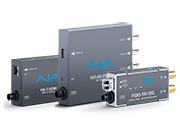
 Mini-Converters
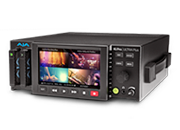 Digital Recorders
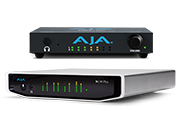 Mobile I/O
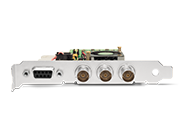 Desktop I/O
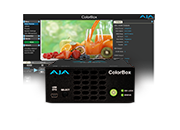 Color
Color
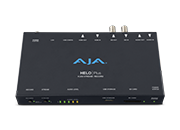 Streaming
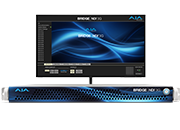 IP Video/Audio
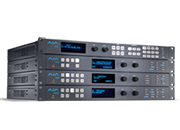 Frame Sync
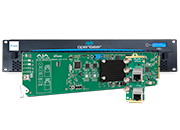 openGear
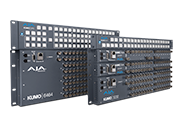 Routers
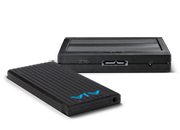 Recording Media
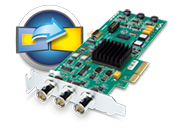 Developer
 Software
Mini-Converters
AJA's Mini-Converters are well known worldwide for their reliability, robustness and power across a range of conversion needs. Select the appropriate category for your in field or studio needs.
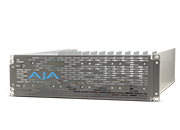
Digital Recorders
The Ki Pro family of digital file recorders and players cover a range of raster, codec and connectivity needs in different formats suited for the field, equipment rack or facility.
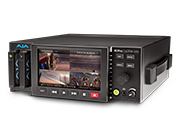
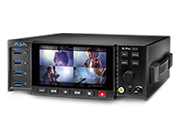
Mobile I/O
Explore AJA’s solutions for editing, color correction, streaming and much more in the field or flexible facility environments with the Io and the T-TAP Pro products.
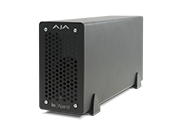
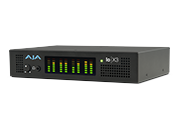
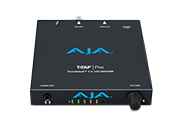
Desktop I/O
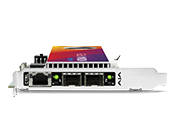
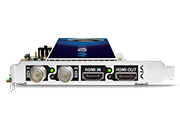
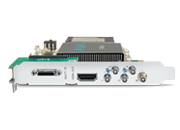
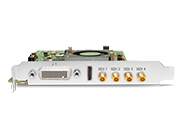
From Composite, Component, 3G-SDI, HDMI to Broadcast IP, AJA desktop solutions provide you the needed I/O for any given project. Explore the KONA desktop I/O family to learn more.
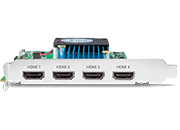
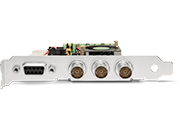
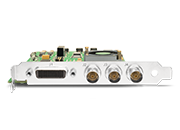
Color
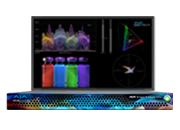
Advanced tools for managing the latest color formats in live production, on-set, post, and delivery.
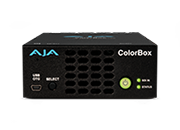
Streaming
AJA Streaming solutions include standalone and modular I/O devices, supporting the latest streaming software, codecs, formats, transport protocols and delivery platforms.
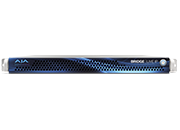
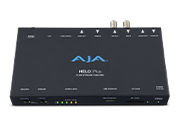
IP Video/Audio
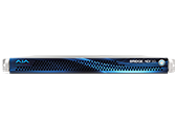
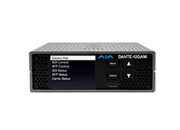
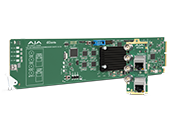
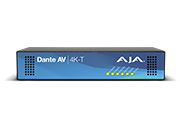
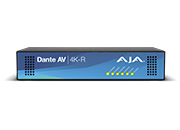
AJA offers a broad range of IP video tools, supporting ST 2110, NDI, Dante AV, AES67 and the latest streaming formats.
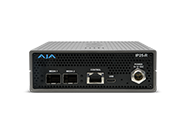
Frame Sync
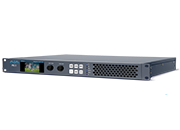
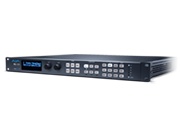
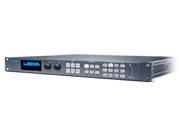
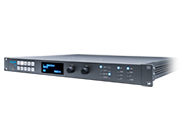
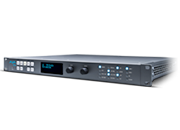
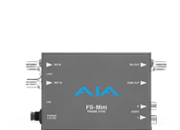
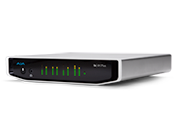
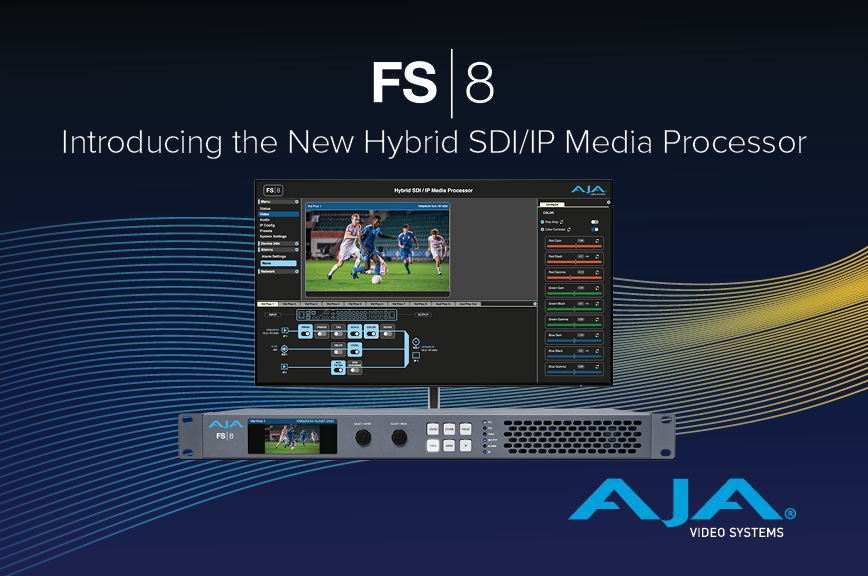
AJA’s FS range of 1RU frame synchronizers and multi-capable converters cover your needs from SD to 4K, 1 to 4 channels of HD support and advanced workflows including real time HDR transforms, with the incredible FS-HDR
openGear
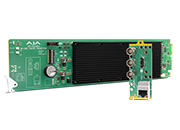
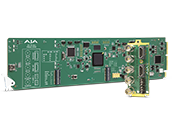
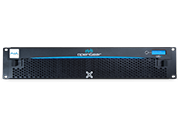
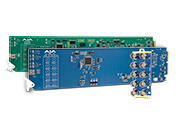
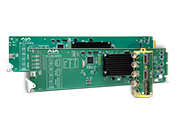
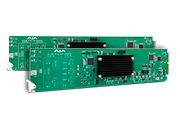
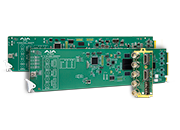
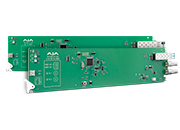
openGear and AJA Rackframes and Converters for convenient rack based conversion, DA and fiber needs.
Routers
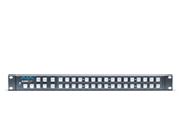
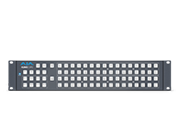
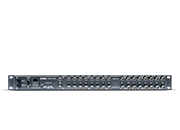
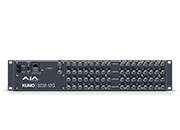
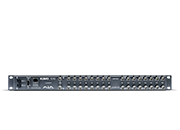
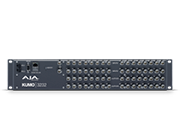
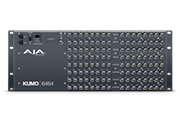
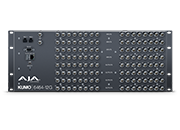
KUMO SDI routers range from 16x16 to 64x64 with convenient control and salvo recall from the KUMO CP control panels.
Recording Media
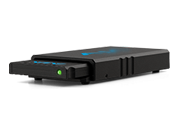
AJA offers a range of SSD-based media, designed for the rigors of professional production. Docks provide the latest Thunderbolt and USB connectivity.
Developer
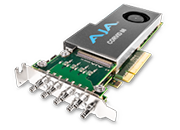
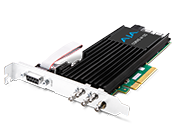
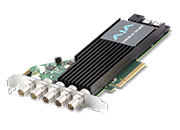
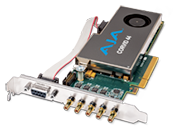
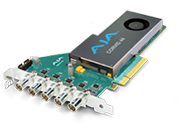
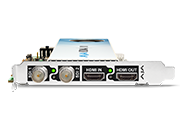
The Corvid lineup of developer cards and SDK options for KONA and Io desktop and mobile solutions offers OEM partners’ a wealth of options. Explore to learn more.
Software
AJA offers a wealth of free software for control, configuration, testing and capture and playback needs.

Infrastructure
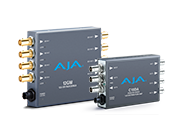
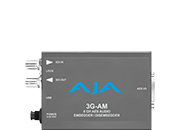
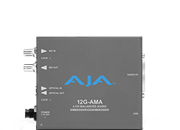
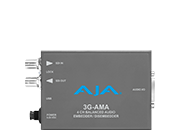
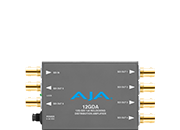
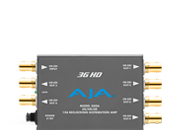
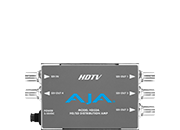
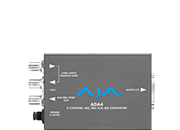
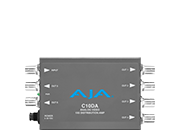
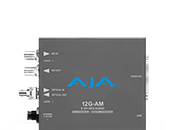
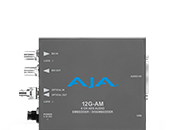
Distribution Amplifiers, Muxers, DeMuxers, Genlock, Audio Embedders and Disembedders; all in a robust reliable form factor for your infrastructure needs.
HDMI Converters
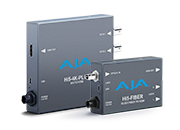
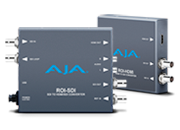
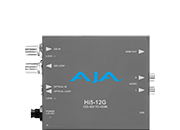
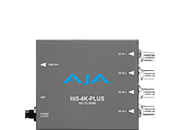
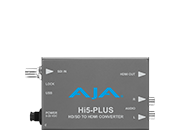
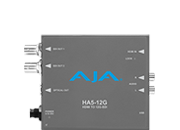
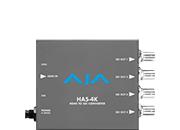
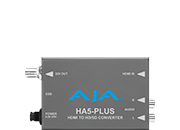
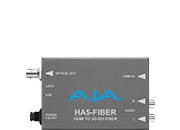
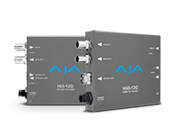
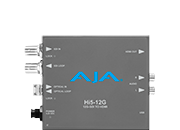
Choose HA5 Mini-Converters for conversion from HDMI to SDI and Hi5 Mini-Converters for conversion from SDI to HDMI.
Fiber Converters
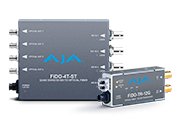
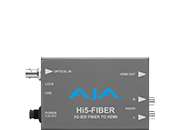
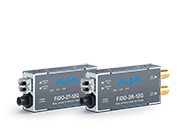
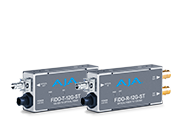
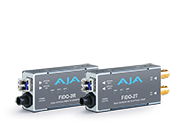
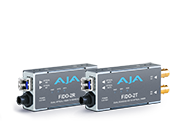
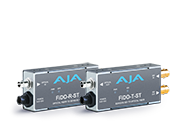
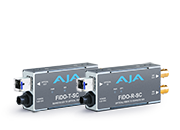
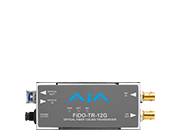
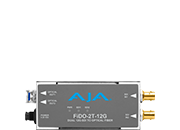
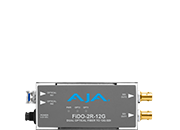
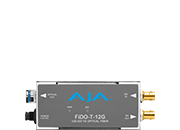
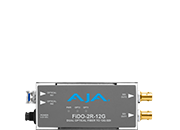
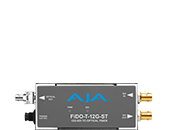
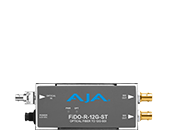
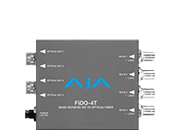
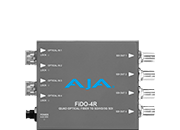
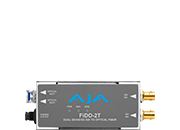
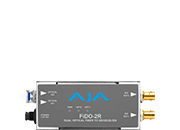
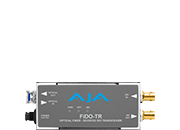
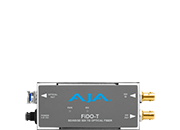
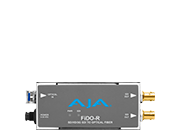
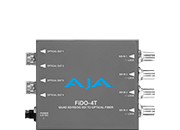
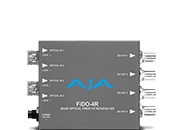
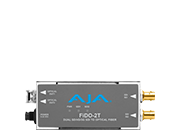
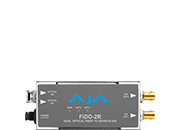
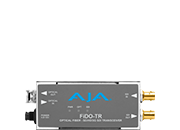
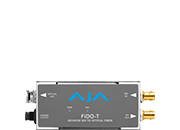
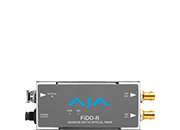
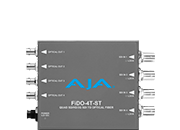
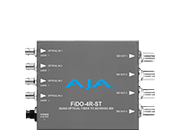
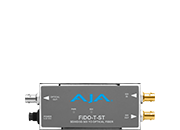
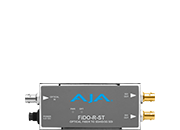
AJA FiDO fiber converters expand your range all the way up to 10km with Single Mode. Transceivers, transmitters and receivers available with SC or ST connectivity and LC Multi-Mode or Single Mode options.
Scan Converters
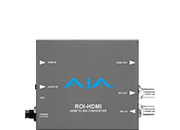
Scan Converters for Region of Interest extraction from HDMI, SDI, DVI, and DisplayPort.
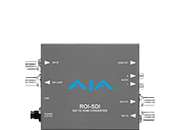
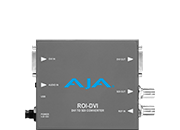
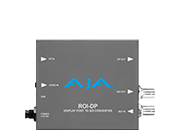
Scaling Converters
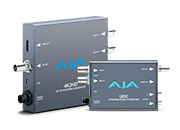
Mini-Converters ideally suited for up, down or cross-conversion for raster or scan conversion needs.
IP Converters
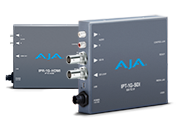
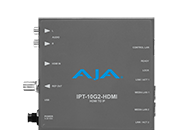
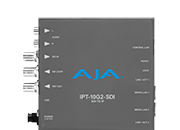
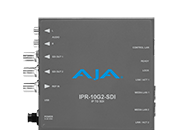
Bridge SDI or HDMI to Broadcast IP and back with AJA IP Mini-Converters
Analog Converters
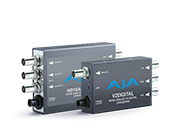
Convert to and from Digital or between Analog Video standards.
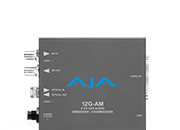
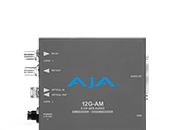
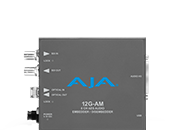
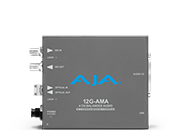
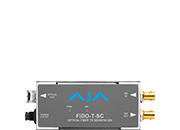
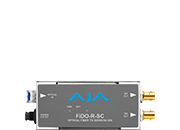
openGear Infrastructure
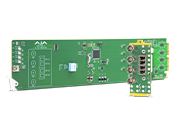
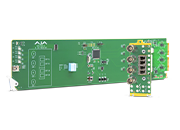
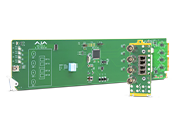
openGear Frame Syncs, DA's, and Audio Processing
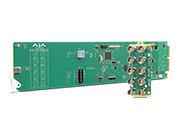
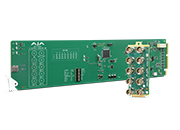
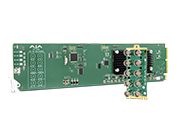
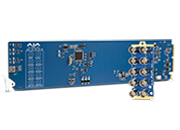
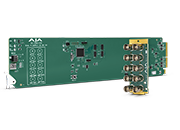
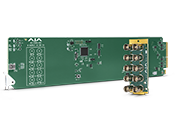
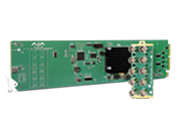
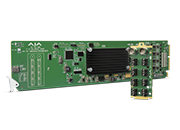
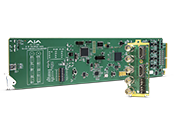
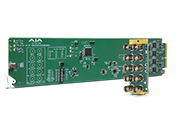
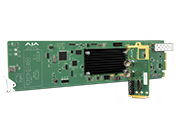
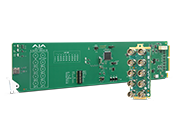
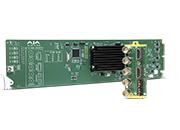
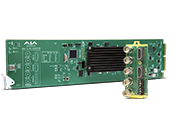
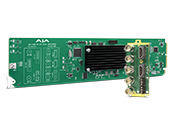
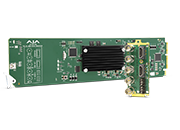
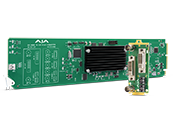
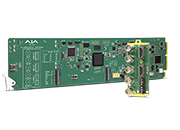
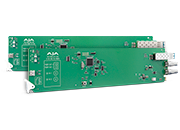
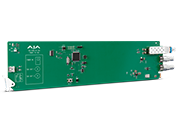
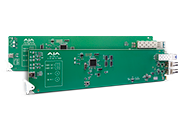
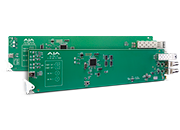
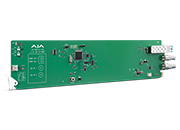
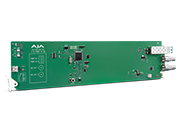
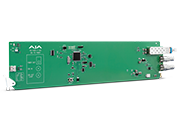
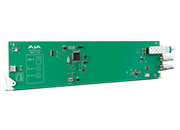
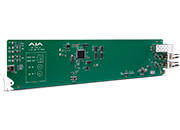
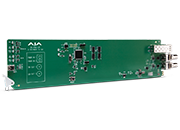
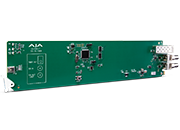
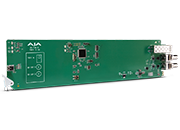
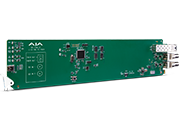
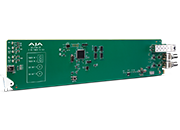
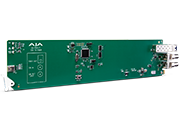
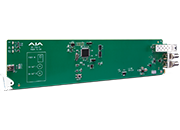
openGear Fiber Converters
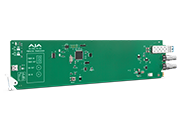
Supporting the Latest SDI and Fiber Connectivity
What's New
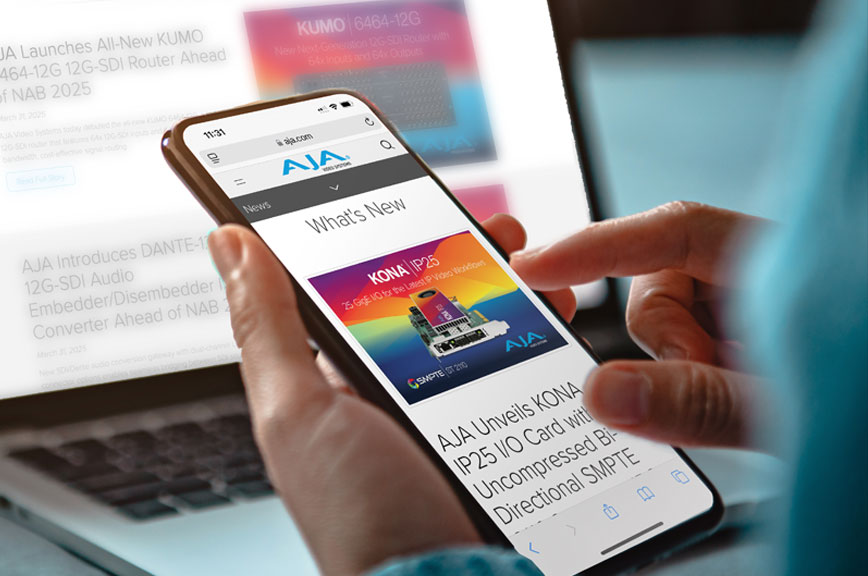
The latest press releases on the most exciting product releases and top news stories from AJA.
Downloads
Download the latest firmware, software, manuals and more to keep current with the latest releases from AJA.
Contact Support
AJA is dedicated to ensuring your success with our products. Technical Support is available free of charge and our team will work with you to help answer questions or resolve any issues.

Register Product
If you have an AJA product, please register on this page. Having your registration on file helps us provide quality Technical Support and communication.






 Contact Support
 Register Your Product