 Mini-Converters
 Digital Recorders
 Mobile I/O
 Desktop I/O
 Color
Color
 Streaming
 IP Video/Audio
 Frame Sync
 openGear
 Routers
 Recording Media
 Developer
 Software

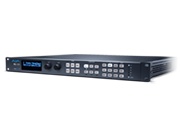



























Does FS8 require an annual support contract?
No. FS8 does not require a mandatory annual support contract. It includes AJA’s 5-year warranty and support. Customers can deploy and operate the system without recurring support fees, helping reduce the total cost of ownership and making long-term operating expenses more predictable.
Can FS8 be used in an SDI-only environment?
Yes. FS8 can be used as a high-density SDI frame synchronizer, format converter, color processor, and audio processor in conventional baseband environments. The FS8 supports ST 2110 connectivity; providing a future expansion path to IP workflows.
What is the analog reference output used for?
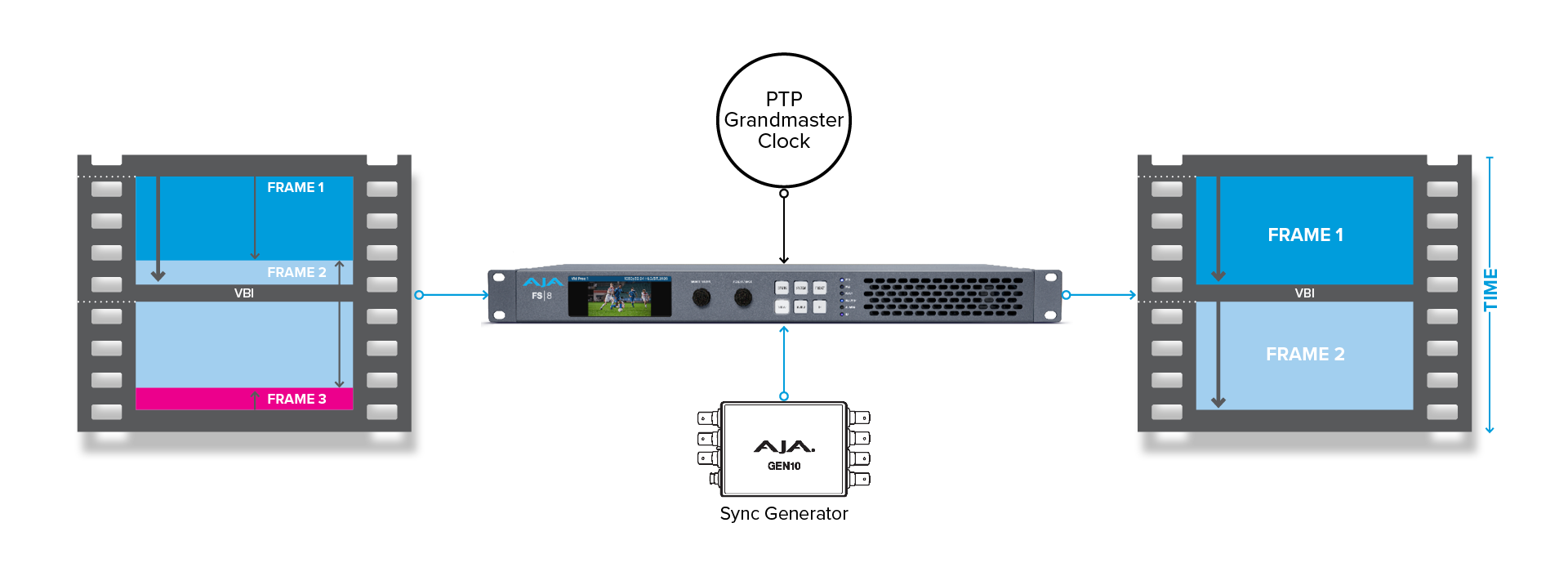
When in SDI mode, the analog reference output can be configured for any supported reference format. It can also have its timing offset with controls in the user interface. When in a Hybrid Mode, the FS8 is genlocked to PTP for timing. Using that timing, the FS8 can output any supported analog reference with timing offset to genlock other SDI equipment.
Does FS8 support optical SDI?
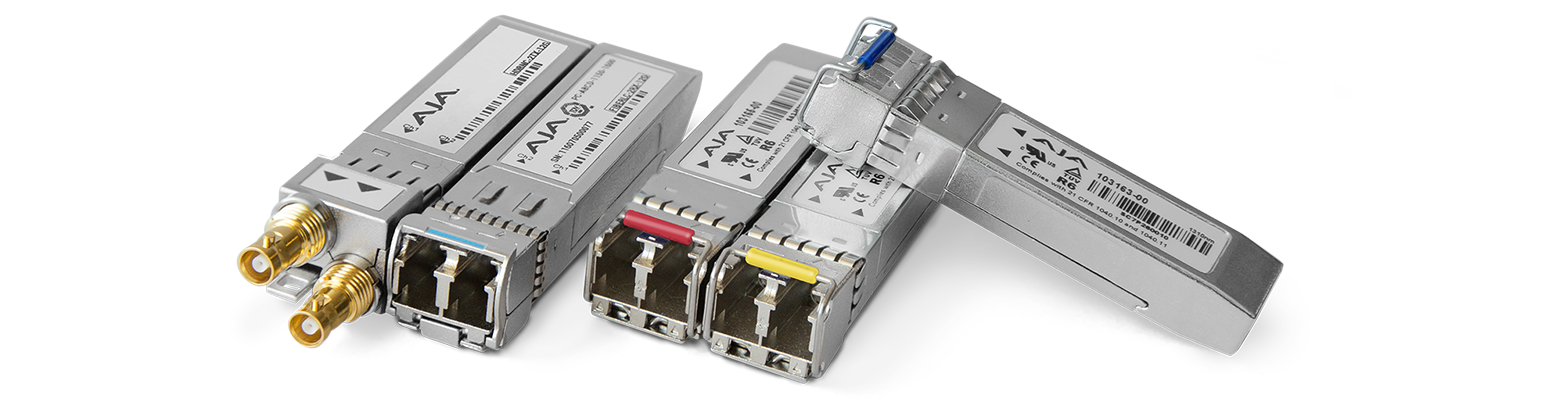
Yes. Optical SDI connectivity is available through optional SFP modules in SDI Mode and Hybrid 2 Modes, allowing FS8 to connect directly to fiber-based SDI infrastructure where longer cable distances or electrical isolation are required.
Does FS8 support standard-definition (SD) video?
No. FS8 is optimized for modern HD, UHD, 2K, and 4K workflows and does not process SD video.
What is the nominal processing delay through FS8?
Nominal processing delay is the standard processing latency and is the amount of time it takes to process any video format and frame rate video and guarantee it to be frame sync'd and output in time with one other video processors. In FS8, this nominal delay is two video frames in standard operation.
What is the lowest latency processing FS8 offers?
When fast processing and lowest latency is the primary goal, FS8 provides a low-latency operating mode for each video processor that produces less than one-half of a video frame of processing latency. This is particularly valuable for live cameras, in-venue displays, image magnification, concerts, sports, presentations, and other applications where visible delays must be minimized and color correction or 3D LUT processing or HDR conversion is desired for example. The Scale Node (Region of Interest processing) is not available in low-latency mode.
Can additional video delays be added?
Yes. FS8 provides configurable video delays per video processor of up to 30 frames for UHD workflows and up to 60 frames for HD workflows. Each audio channel can be delayed up to 2500ms.
Why would I add video delay?
Adjustable delay can help align video paths that pass-through equipment with different processing times. Common examples include synchronizing cameras with graphics or replay, matching direct-view and processed displays, compensating for remote-production transport, augmented reality composite images, and aligning video with external audio systems.
Is FS8 suitable for LED wall and large display workflows?
Yes. FS8 can normalize incoming formats, frame-synchronize sources, apply color corrections or LUTs, convert between SDR and HDR, and feed LED image processors with very low latency. Its channel density makes it suitable for stadiums, concerts, corporate events, virtual production, and other multi-display installations. With the optional Colorfront Engine, FS8 supports configurable PQ output levels up to 10,000 NITs.
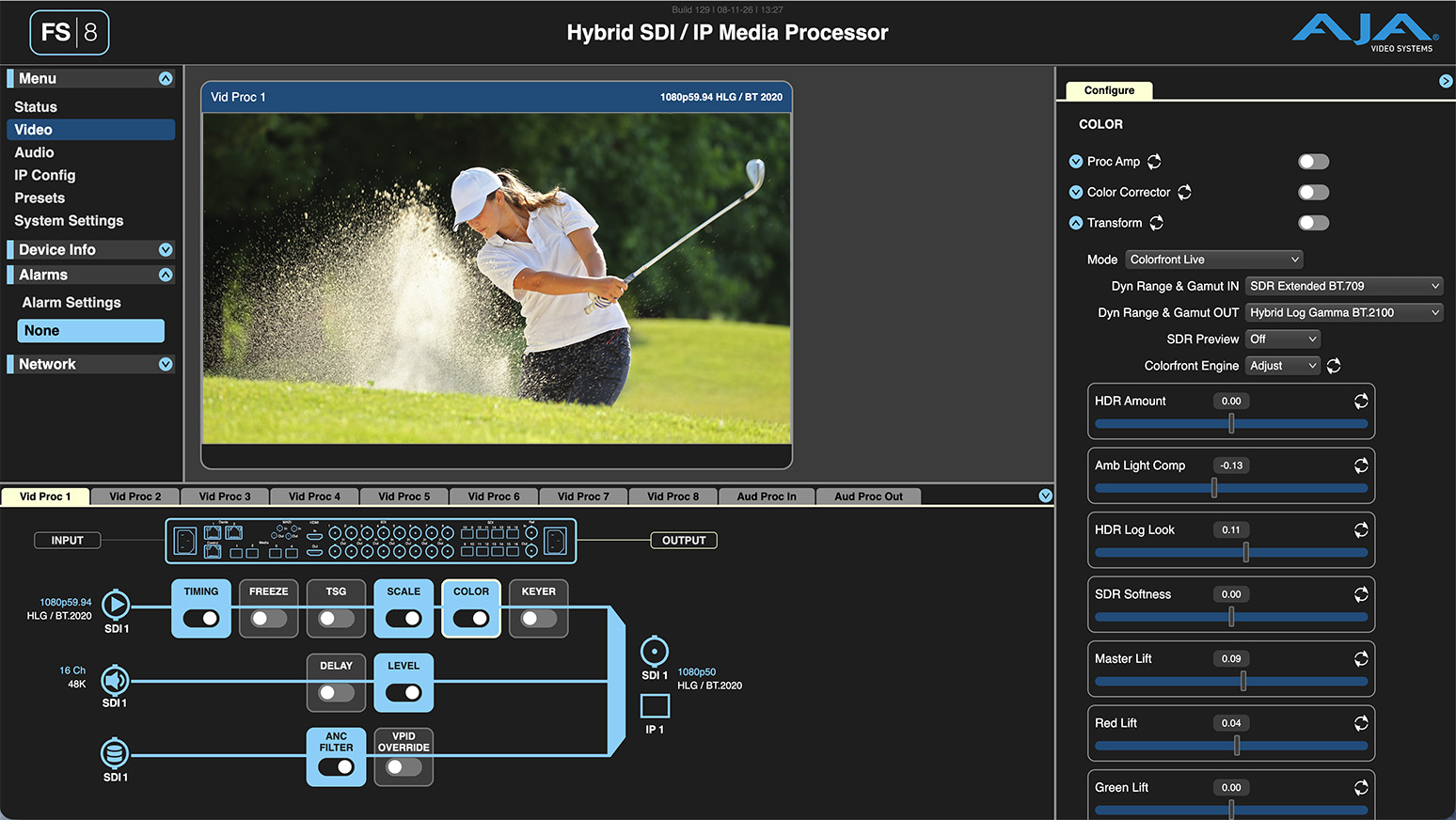
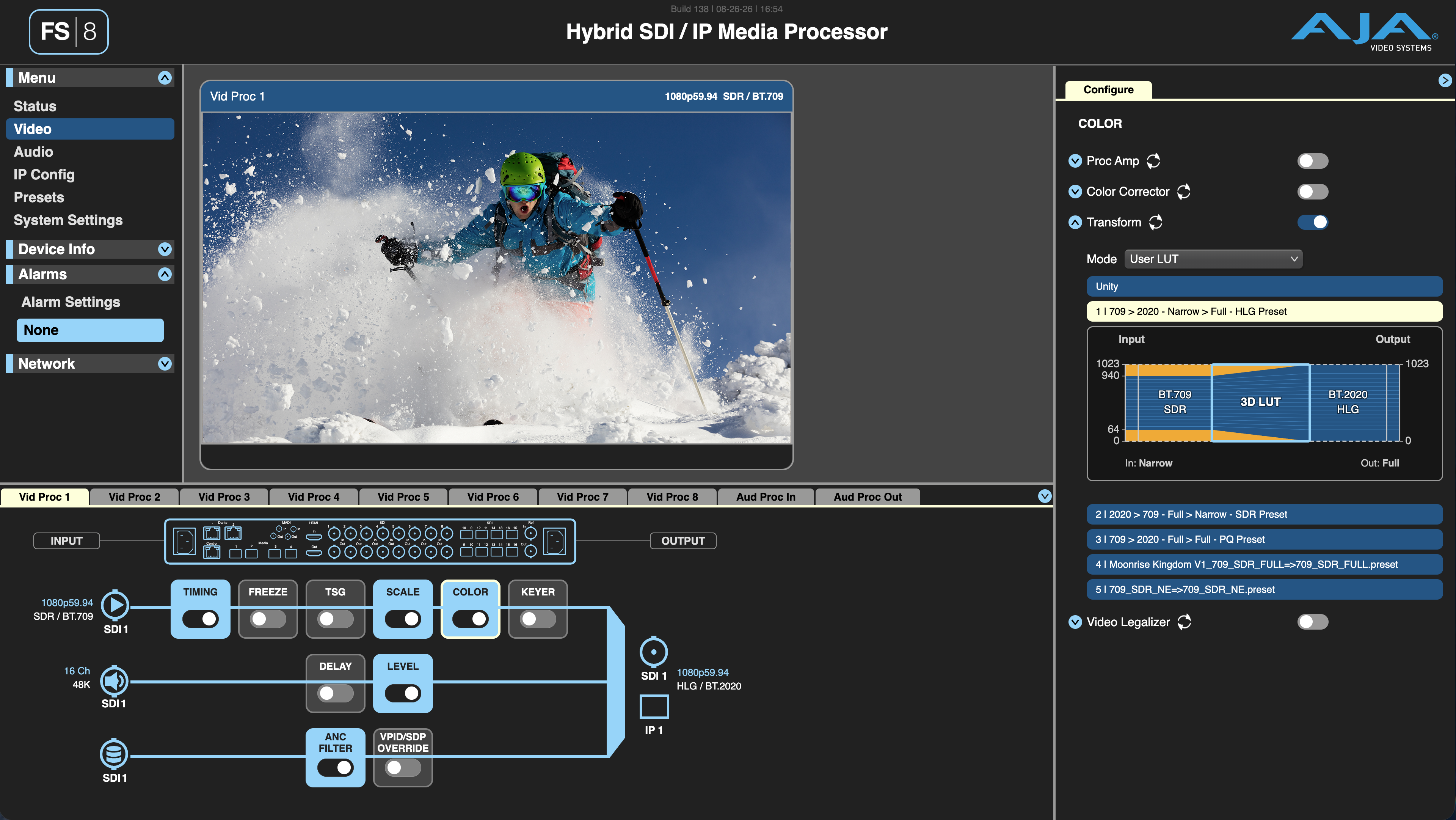
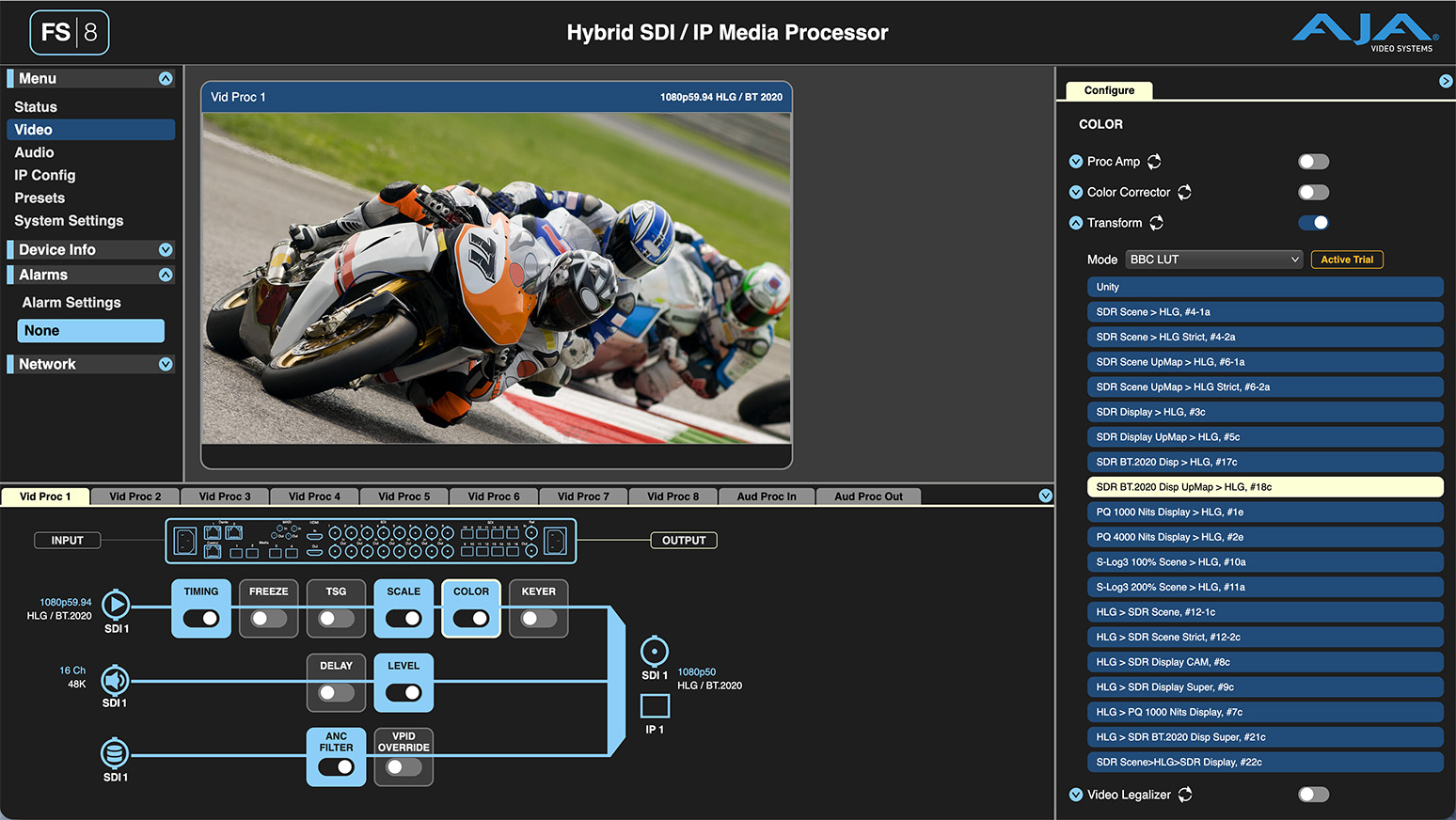
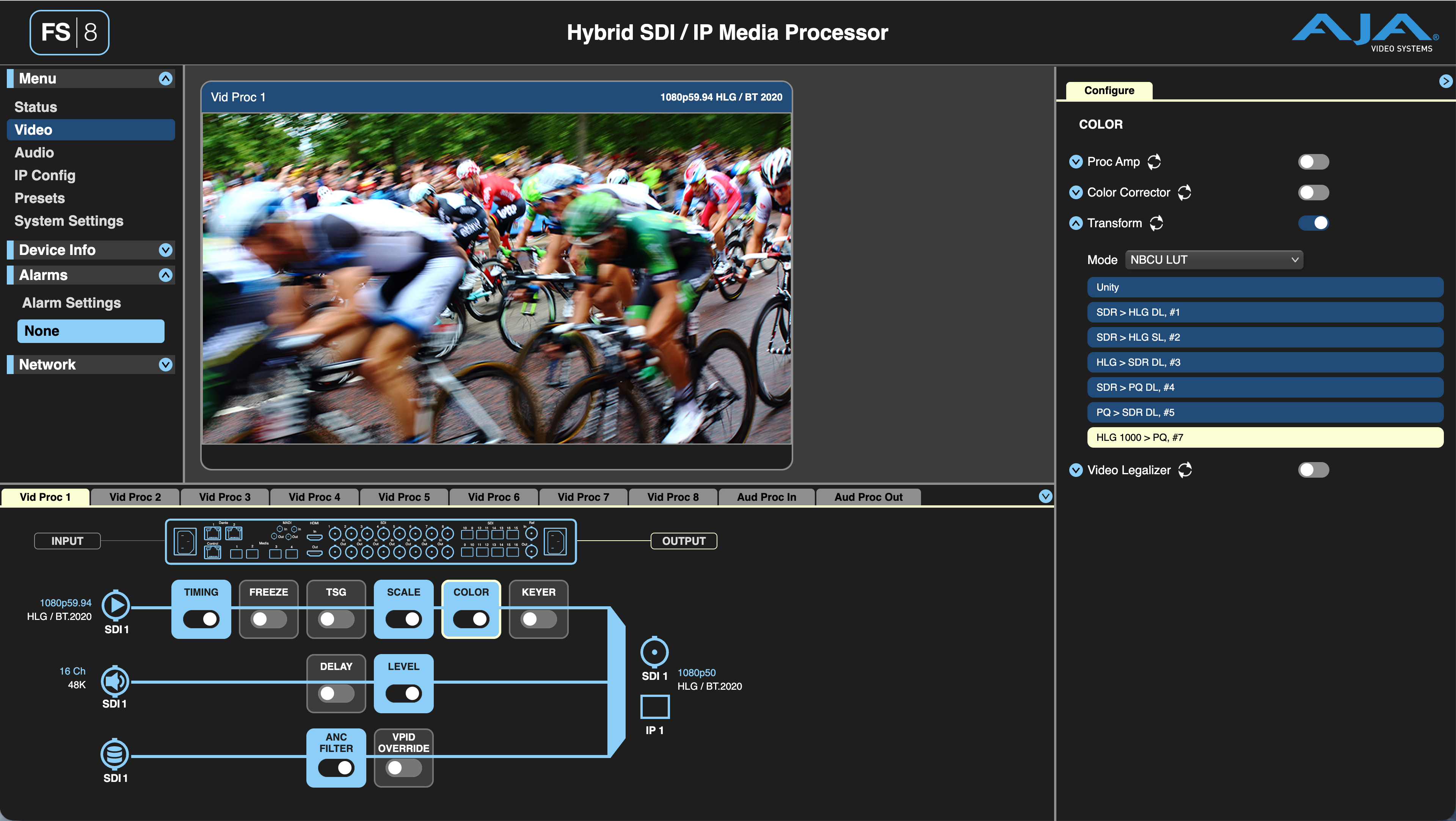
Which color processing tools are included with the FS8?
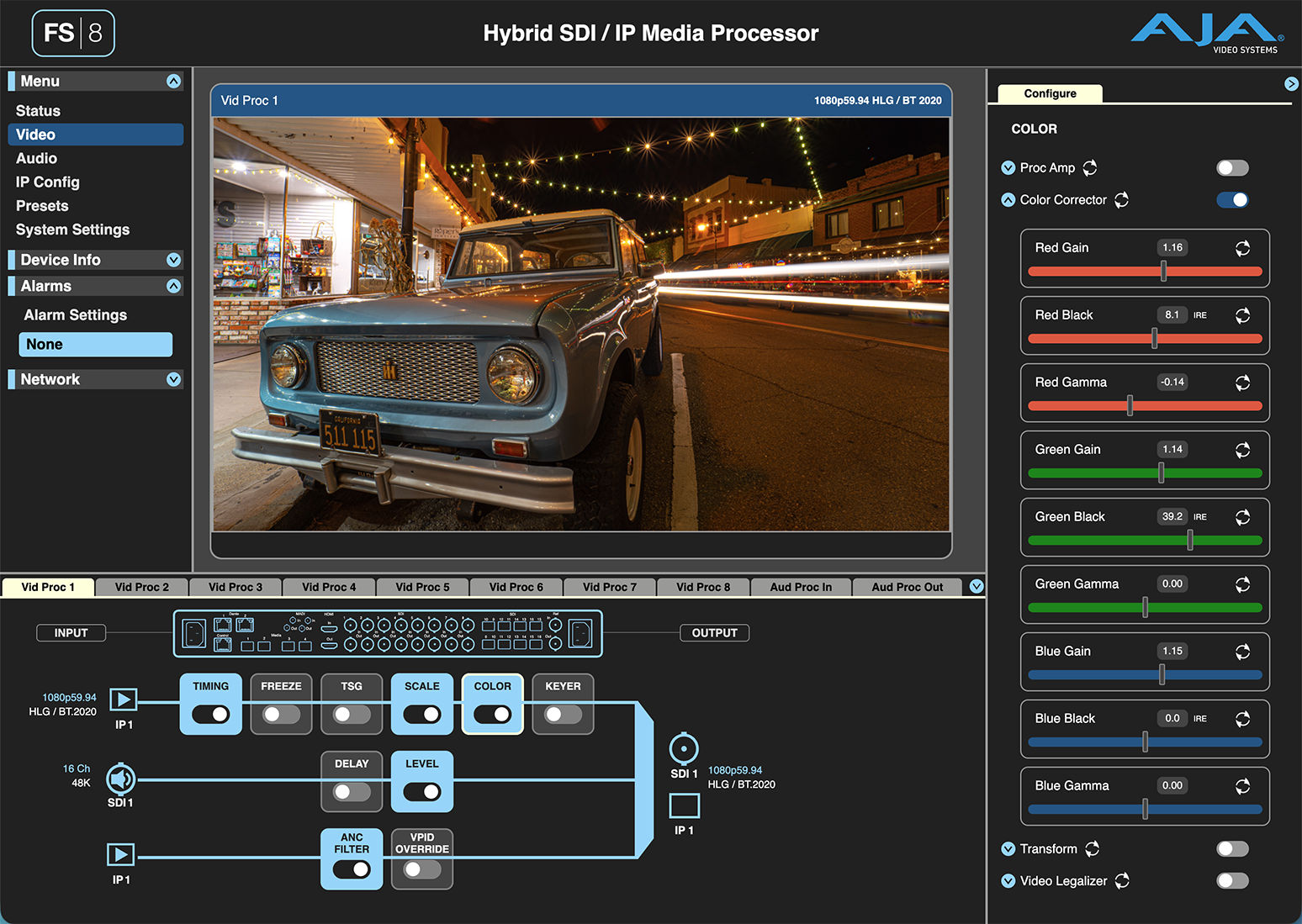
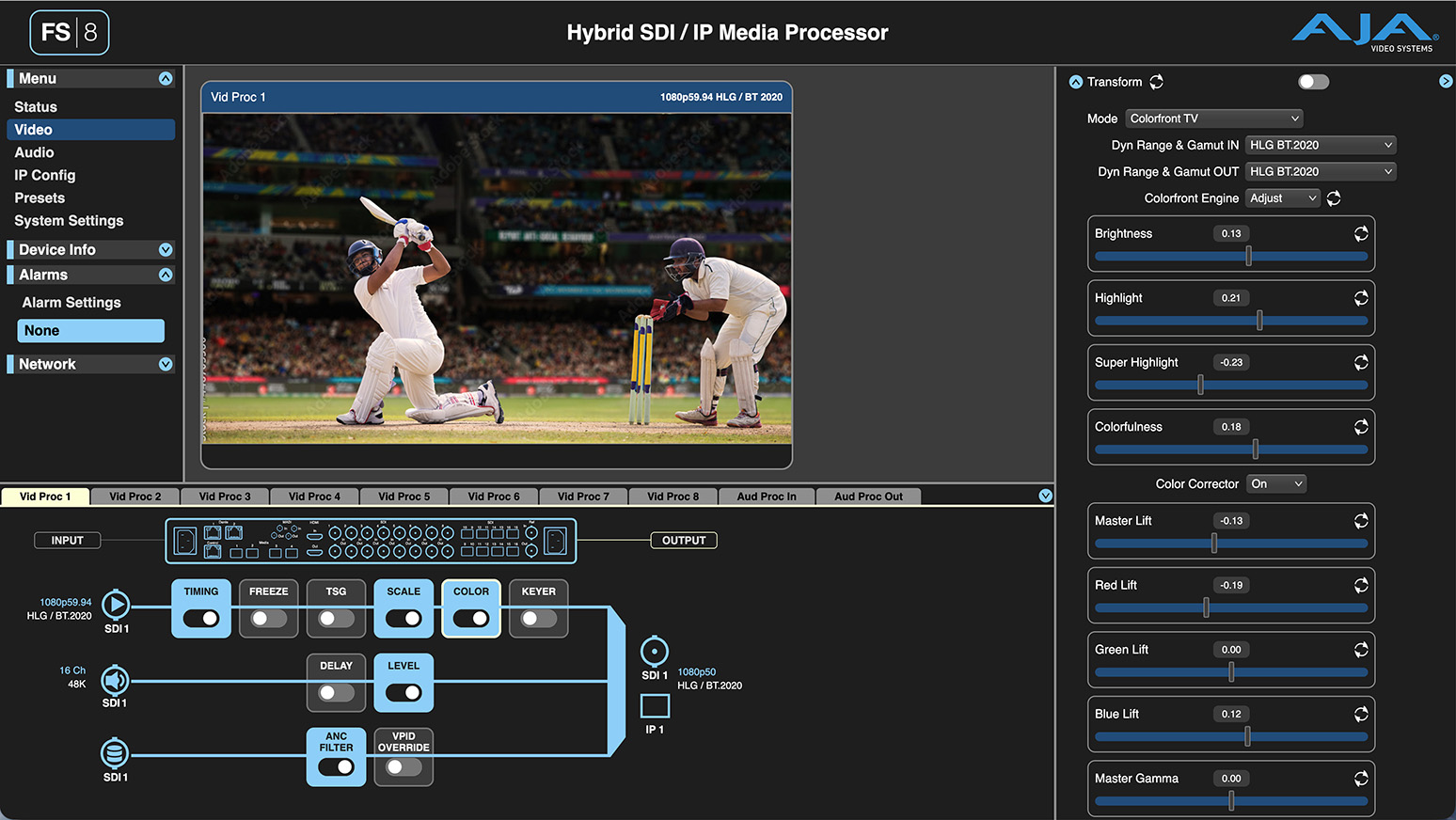
FS8 includes support for User 3D LUTs, Dynamic 3D LUTs, and NBCU LUT workflows, along with its standard RGB color-corrector and proc amp.
What optional color processing capabilities are available?
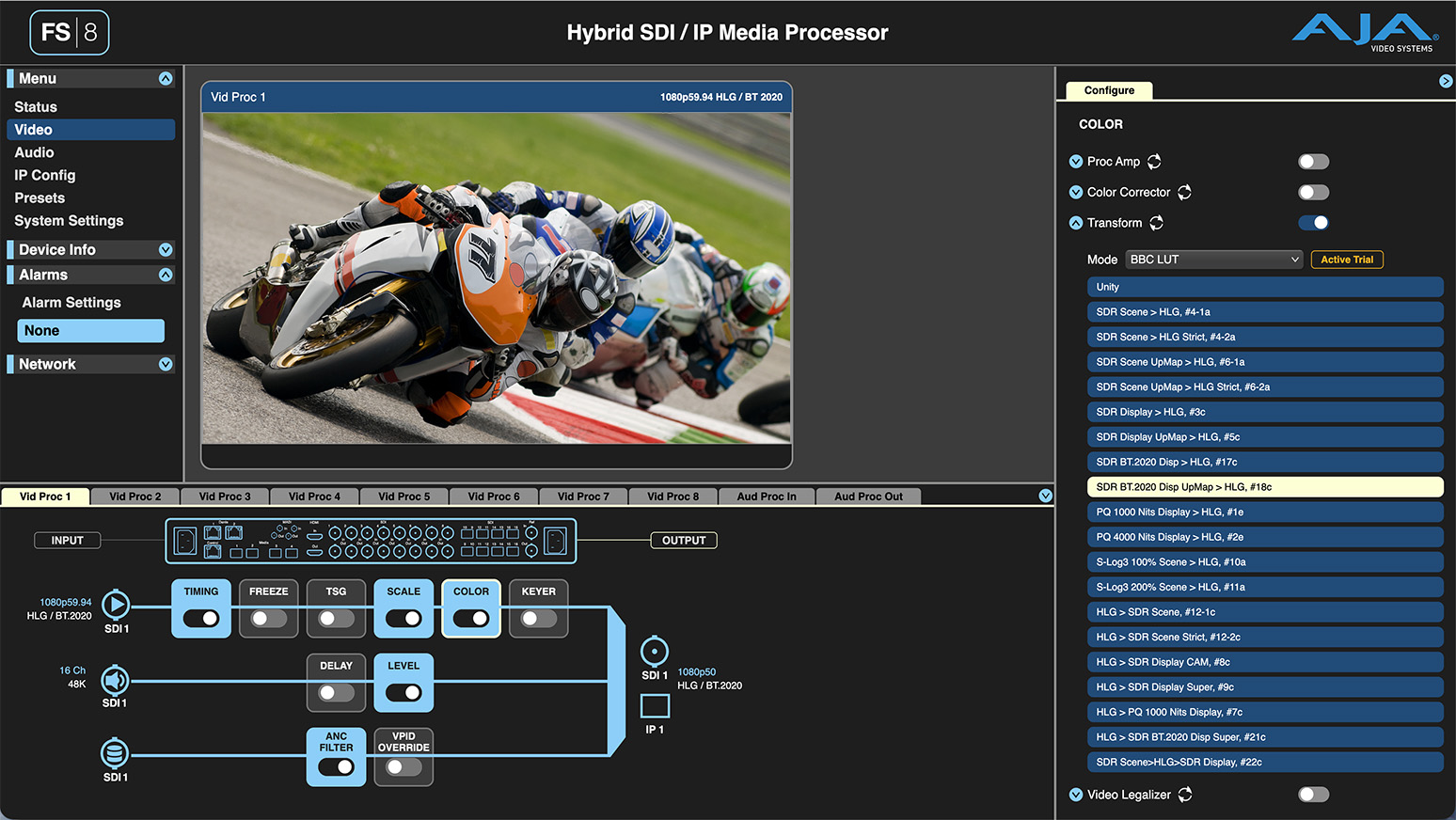
Optional color capabilities include the Colorfront Engine and BBC HLG LUTs. These options extend FS8 for productions that require established conversion transforms or more advanced SDR/HDR color-management workflows.
How many IP gateways does the FS8 support in Hybrid Modes?
The IP Gateway functionality allows you to input SDI and output IP or vice versa. The answer depends on whether you are working with HD, UHD, or a mix of both. To perform the IP Gateway task, you must go through a video processor.
This provides up to 8 gateways of which you can mix and match the direction of the gateway. Meaning you could have 2 HD-SDI inputs processed to 2 IP outputs, plus 6 ST 2110 HD inputs processed to 6 SDI outputs. The FS8 in Hybrid modes offers up to 8 SDI outputs, so you could route the outputs of the video processors to those additional 2 SDI outputs.
Similarly, in UHD, gateway functionality is tied to the outputs of the 4x UHD video processors of which you can mix and match SDI to IP and IP to SDI.
FS8 even supports a mix of HD and UHD processing at the same time, so you could mix HD and UHD IP Gateway based on your needs.
How does FS8 maximize UHD processing density?
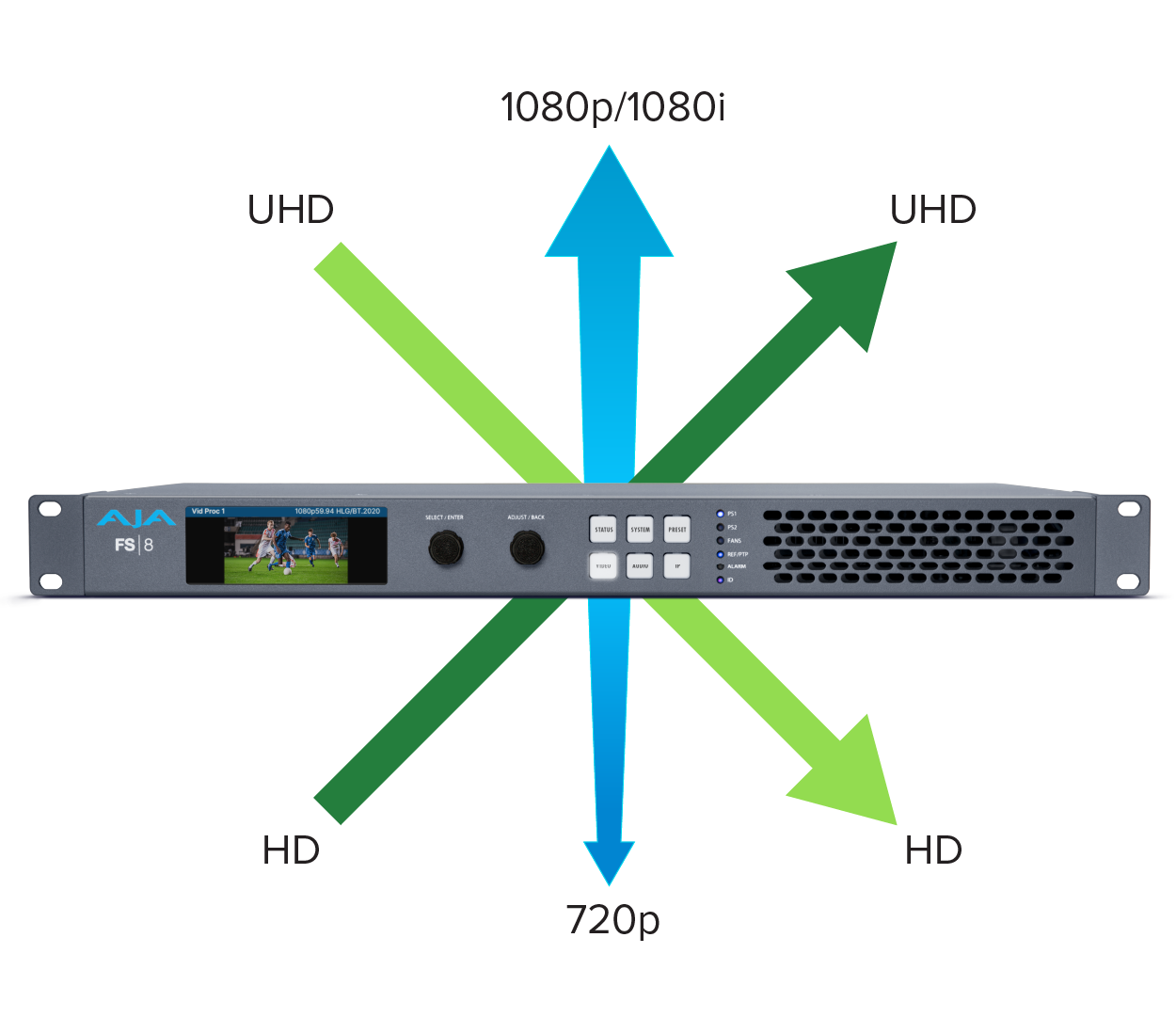
FS8 gives users the flexibility to choose between maximum UHD channel density and full-resolution UHD processing.
In HD Vid Proc mode, each of FS8’s eight Video Processors can accept UHD input and provide either an HD or UHD output, enabling up to eight UHD signal paths. In this mode, the signal is processed internally at HD resolution using utility scaling.
In UHD Vid Proc mode, two Video Processors are paired to provide full-resolution UHD processing and true spatial HD-to-UHD up-conversion or UHD-to-HD down-conversion, supporting up to four UHD channels.
This flexibility allows users to apply full-resolution UHD processing where image detail and spatial conversion are critical, while using higher-density HD Vid Proc mode for UHD workflows where HD-resolution processing is acceptable. This can reduce the number of systems required, conserve rack space, and lower overall system cost.
Do I need to connect the SDI I/O or can it be all ST 2110?
The FS8 can be all SMPTE ST 2110 which provides up to 8 channels of HD video processing or 4 channels of UHD processing, or a mix and match.
What audio connectivity does FS8 provide?
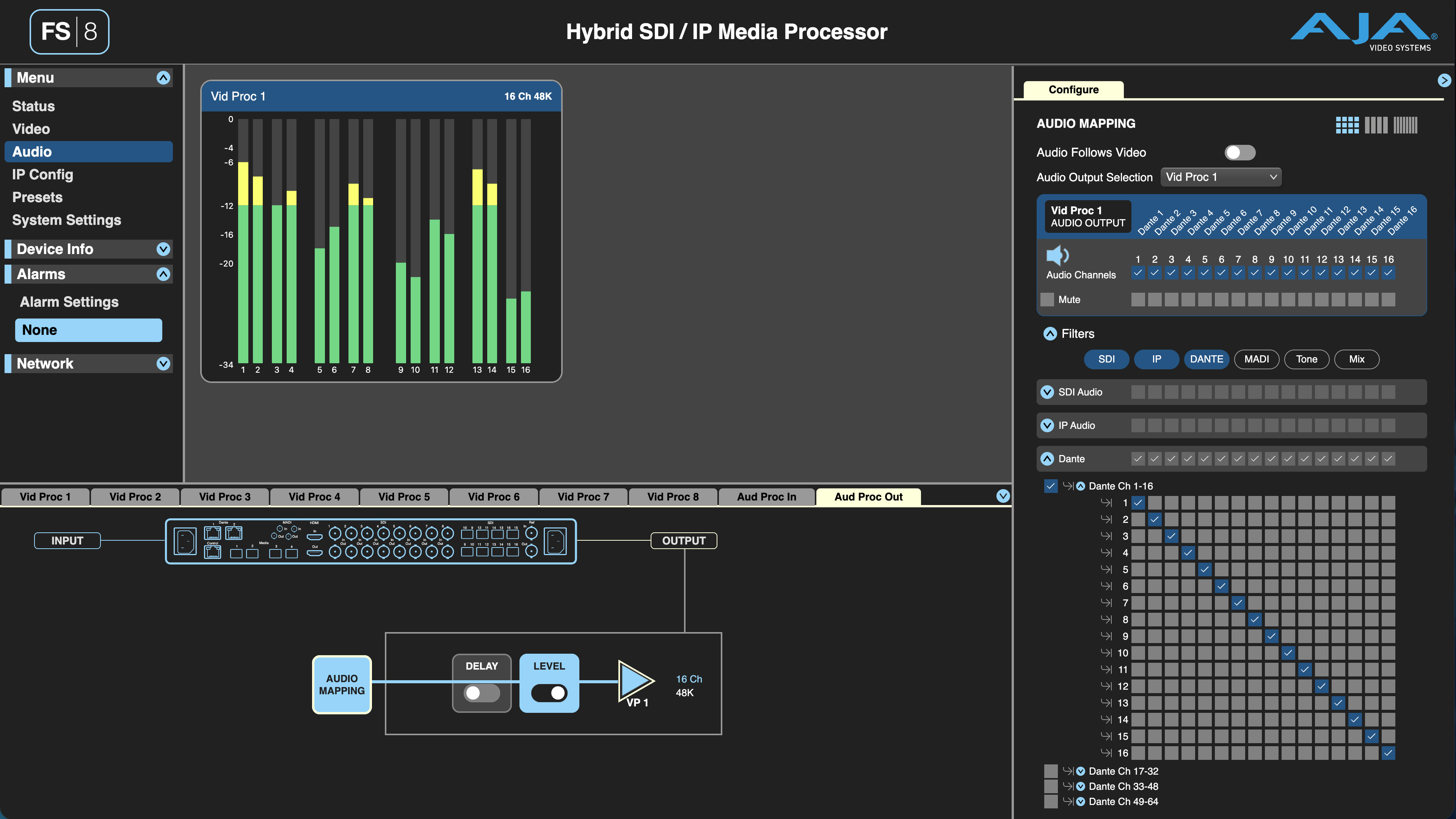
FS8 brings together SDI embedded audio, SMPTE ST 2110-30, Dante, and MADI within the same media-processing platform. This enables audio associated with multiple video paths to be integrated with facility, production, and live-sound systems.
How much Dante audio does FS8 support?
FS8 supports 64 channels of Dante input and 64 channels of Dante output across primary and secondary connections, providing direct integration with Dante-enabled audio consoles, stage boxes, intercom systems, amplifiers, processors, and facility audio networks.
Can I create a custom control interface for FS8?
Yes. FS8 provides a REST API documented through an OpenAPI interface, allowing developers and system integrators to create custom control panels, dashboards, automation tools, and workflow-specific user interfaces. Applications can read device status and configure supported FS8 parameters using standard HTTP requests, making it easier to integrate FS8 with facility-control systems, orchestration platforms, and purpose-built production tools. In a browser, type http://
Does FS8 offer channel-based presets?
Yes. FS8 offers AJA’s most flexible preset management system to date. System, Vid Proc, Audio Proc, IP Config, and 3D LUT presets are each configurable for what part of the preset you want to recall. For example, an operator can recall only the color-processing, timing, region-of-interest, or audio-pipeline portions of a Video Processor preset,or any desired combination. Truly endless options for recalling only what is important, which enables faster set-up times and fewer mistakes.
Does recalling a preset require FS8 to restart or reset?
No. FS8 recalls and applies presets instantaneously without requiring a system reset or reboot. This allows operators to change configurations quickly and avoids the lengthy interruptions that can occur with systems that must reset after a preset is applied. The only exception is when a System preset changes the FS8 operating mode, for example, from SDI Mode to Hybrid 1 or Hybrid 2 Mode, which requires the system to reconfigure.
Which ST 2110 SFP’s are recommended for use in FS8?
AJA tests common SFPs in the market but does not make specific recommendations for SFP models. AJA has tested several SFP models from FS.com with good success. It is the responsibility of the customer to ensure the selected SFP models are validated in their systems.
• Ensure compatible SFPs are used on both ends of a fiber run.
• Be sure the SFP brand and speed is supported by the Ethernet switch.
• 25GBASE-SR SFPs (SR => Short range) use 850nm wavelength over Multimode fiber up to 100m of OM4 fiber (70m of OM3).
• 25GBASE-LR SFPs (LR => Long range) use 1310nm wavelength over Single Mode fiber up to 10km.
IMPORTANT: Only fiber SFPs are supported. Direct Attach Copper (DAC) are NOT supported.
 Contact Support
 Register Your Product