 Mini-Converters
 Digital Recorders
 Mobile I/O
 Desktop I/O
 Color
Color
 Streaming
 IP Video/Audio
 Frame Sync
 openGear
 Routers
 Recording Media
 Developer
 Software






Litigation AV Expert Franz Stary on His Secret Courtroom Weapon: U-TAP
February 26, 2026
Share
 Email
Email
In a multi-billion-dollar industry like civil litigation, the stakes run high for legal teams and their clients. Transforming digital evidence into compelling visual narratives that convince juries can make or break a case, making audiovisual (AV) systems central to the process. Franz Stary, Principal of Stary Technologies, LLC, is an expert in this area. Drawing on decades of AV experience, he provides technical video and audio support for civil litigation. We recently spoke to him about his unique career specialization, including why he’s never without AJA’s U-TAP HDMI USB 3.0 capture device.
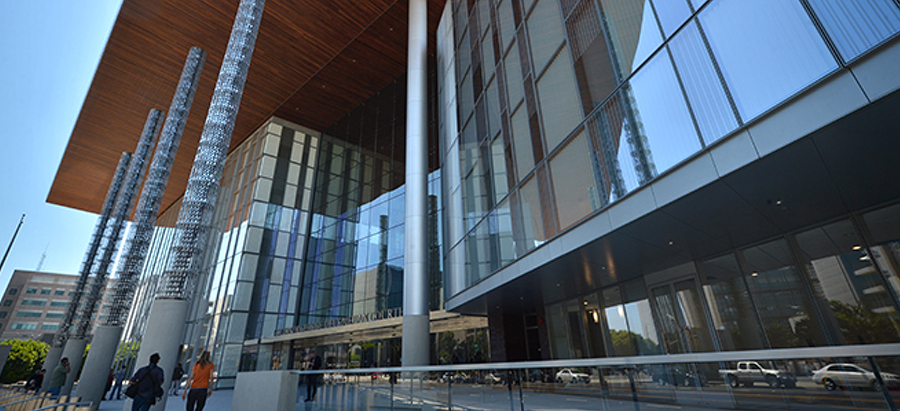
What does Stary Technologies do?
We work with legal teams before jury selection and during trials to prepare and present images, videos, x-rays, and other digital evidence. Depending on the case, we might verify the origin of content or restore corrupted media. We also enhance security and cell phone camera footage to uncover evidence like the license plate of a hit-and-run or persons of interest.
When there’s a minor in the footage, we also must blur their face, which involves some pixel tracking, but also a lot of human intervention to make sure privacy is maintained. In some cases, we’ll also provide the hardware in the courtroom. Each civil case has different fact patterns and requirements, so our work isn’t always predictable. Although we’re based in LA, our work takes us everywhere, from San Diego to San Francisco and Bakersfield.
How did you originally get into this profession?
I have been a video editor for over 25 years and have also created multimedia for big box companies for their websites and managed technical aspects like server installation. My career has always been Hollywood-adjacent in that I collaborate with people in that realm, but in an AV capacity. The beauty of the business I’m in now is that it's so niche; you don’t find too many people offering bespoke AV support for litigation.
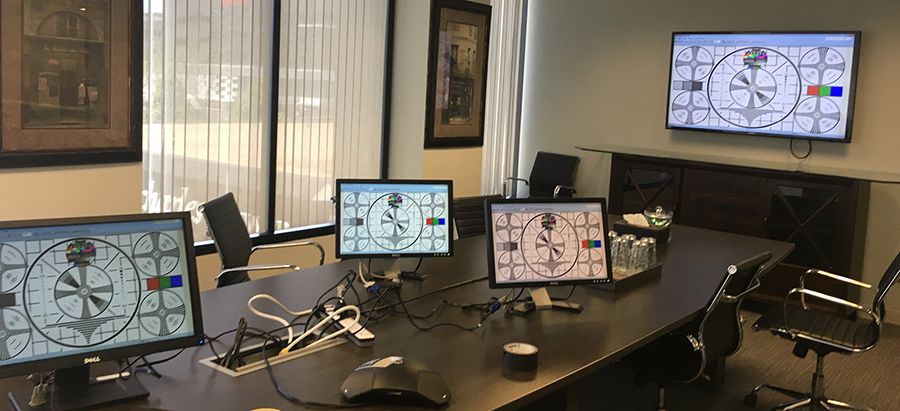
Why is video important to civil litigation today?
Courtroom AV has been around since the days of VHS cassettes and laser discs, but the quality of video you can produce today has vastly improved. Video evidence is now a powerful tool for proving your case. Jurors don't just want to listen to a lawyer get up and speak about fact patterns; they want to see video evidence and supporting documents.
Video can speak volumes for the defense as well. If someone with an accident claim tells the jury they have limited mobility because of the crash, but they’re caught in the background of a social media post powerlifting in a gym, they lose credibility. In that case, we help authenticate the footage and testify to its validity, which is crucial given deepfake concerns today. The jury needs to see evidence to render a verdict intelligently.
How does a typical project unfold?
At the start of a case, lawyers do e-discovery, where they gather any relevant video or materials and, in some cases, have 3D models created to reconstruct the scenario. They also consult experts who might be called on to testify. I’m the one who interfaces between the experts and the lawyers and makes sure the lawyers can present any visual evidence to the jury. I handle most of this part remotely.
Once all the materials are prepared, the lawyers select a jury. I will visit the courtroom where the case will be held and figure out what AV we’ll need. Some of these courthouses were built in the 1920s, while others are only a few years old, so the amount of equipment that I need to bring varies based on location. That said, a brand-new building doesn’t necessarily mean my job is plug-and-play. Along with making sure the AV infrastructure is in place for the jury to see the evidence, I also must architect the workflow in a way that the judge and opposing counsel can review first. Only after content has been admitted as evidence can it be shown to the jury.
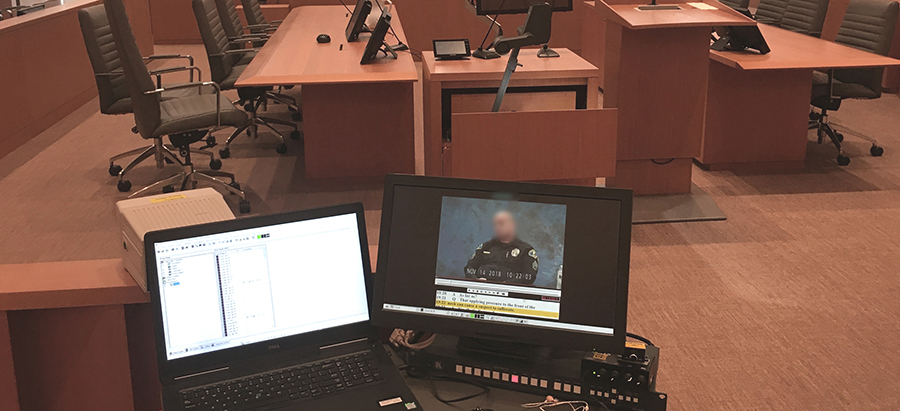
I use HDMI distribution amps, matrix switchers, and kill switchers for full control of up to seven monitors in the courtroom. While the monitors for the judge, lawyers, and witnesses typically stay live, I shut off the jury monitor as needed. Showing the jury documents they’re not allowed to see is prejudicial and could lead to a mistrial. The whole case could get knocked out, so I only do as I’m told and listen closely to the lawyers.
What tools do you typically use?
I have multiple systems for video editing, video transcoding, and ENC coding synchronization. I use Apple Final Cut Pro, Avid Media Composer, and Adobe Premiere Pro and After Effects, depending on the task at hand. Many times, we’ll get live testimony from a person sitting on the witness stand and video testimony of someone who previously testified or was deposed.
Depositions can last hours, and part of my job is to synchronize the videos with text transcripts so that when we cut them, everything lines up correctly; we use specialized software called Trial Director or OnCue for this, which cuts video clips with transcript page line numbers. When law firms opt against this, the depositions need to be synchronized with Visionary or Time Coder Pro. Then, during a trial, I can immediately isolate and create a video clip with audio and a scrolling transcript underneath in 30 seconds.
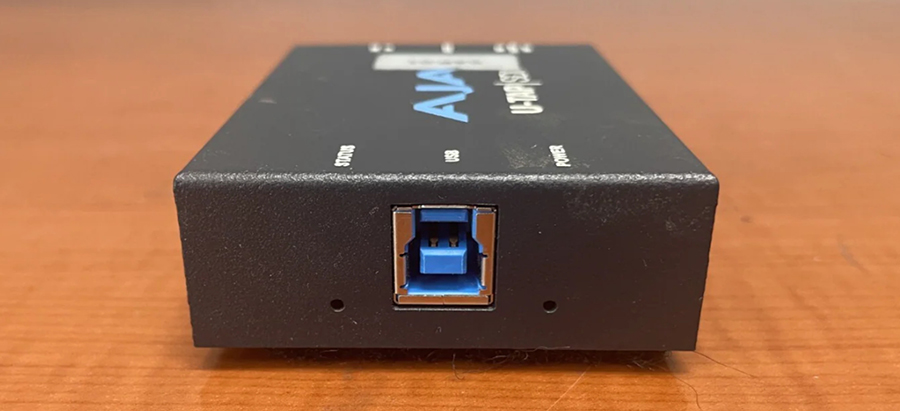
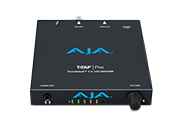
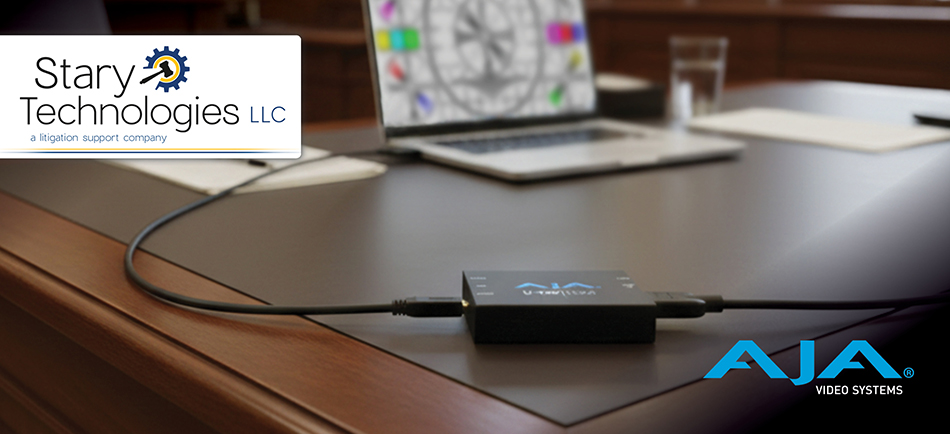
I’ve come to rely on AJA’s U-TAP HDMI for 3G-SDI signal capture over USB 3.0, and it is a game changer. We had one case at the Long Beach Courthouse in which the opposing side wasn’t sharing exhibits with our team before presenting them to the jury. U-TAP was so important in this case. I was able to capture everything they presented in the courtroom on my desktop and immediately send it to a Dropbox feed for paralegal and lawyer review.
When the lawyer stood back up again, I was able to display a document that was previously presented by the opposing side for him to discuss with the witness. This enabled him to clarify evidence that the other lawyer tried to mischaracterize. It’s smart to always use a capture device like U-TAP in the courtroom, because it just works. And you never know when the other side will try to sandbag you. AJA products are reliable, well-built, and exceed expectations.
How does the signal flow work in courtroom AV?
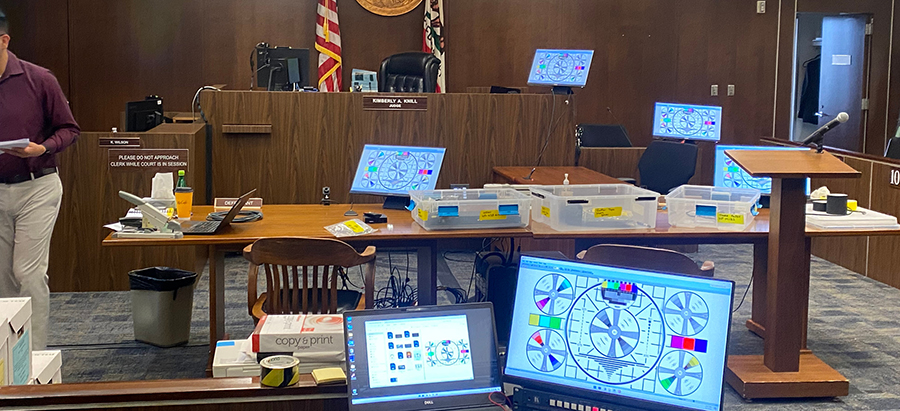
If it’s a modern courtroom, AV techs from both sides will plug into the house, and the bailiff will switch between who is able to present on the monitors to the jury, on the big screen, on counsel tables, and on the witness stand. Normally, I’ll go in the day before and, with permission from the judge, put an HDMI splitter on the witness stand monitor and run it back to my system.
Then, I send the signal into my laptop via the U-TAP and use Open Broadcaster Software (OBS) to capture audio and video, recording only a digital feed of evidence already presented and admitted by the judge in that case. With U-TAP powering this process, we’ve won sizeable awards, including a $48 million verdict in Van Nuys and a $34.1 million one in San Bernardino.
Has your workflow changed over the years?
When I first started, no one asked for a kill switch. We used VGA connectivity in the courtroom, which was about 1280x720 max resolution with a 30Hz refresh rate. Today, courtroom AV is largely done in 1920x1080 with a refresh rate of 50-60Hz.
Video editing is still prevalent, but I’m also asked to manage drone site inspection videos for cases. I worked on a case where we were hired to fly a drone out and shoot 5K video of a remote area where a helicopter crashed. We also hired a person to hike to the spot and document how much time it took to access the area. We presented this evidence to the jury so they could have a better feel for the situation.
Accessible tools like drone footage, lidar scanning, and high-tech security cameras now let us bring the information to the jury digitally, so the jury can see the site of an incident, or a scan of it, for better context, and without a field trip, which can be logistically complex. Video used to be cumbersome to shoot, but today everyone has a high-quality camera in their pocket.
What technology trends are you tracking, and why?
I’m watching AI and forensic digital fingerprints for evidence verification. There’s a whole certification industry around AI and forensic video. I’ve already picked up a certification, and I’m eyeballing another one. They’re offered by law enforcement and teach how to determine AI watermarks.
AI leaves digital fingerprints behind, like how each printer leaves a unique microscopic ink pattern that provides information about when, where, and how a document was printed or photocopied. If someone provides an image or video that's been completely or partially edited with AI, forensic experts can see those digital fingerprints in the content.
As far as resolution, courtroom AV will stay HD for a while, and while it may eventually go to 4K, I’d expect that to happen further down the line.
Find out more about Stary Technologies, LLC, and connect with an AJA team member to uncover all of the applications that U-TAP unlocks in the courtroom and beyond.
About AJA U-TAP
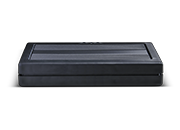
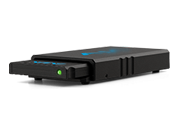
AJA U-TAP devices are 3G-SDI or HDMI USB 3.0 capture solutions that bring professional connectivity and high quality video capture to laptops and workstations. A bus-powered device with the ability to simply and easily bring in video across 3G-SDI or HDMI for use within a wide range of software without any drivers to install, U-TAP is supported directly in macOS®, Windows®, and Linux®. www.aja.com/products/u-tap-sdi and www.aja.com/products/u-tap-hdmi
About AJA Video Systems
Since 1993, AJA Video Systems has been a leading manufacturer of cutting-edge technology for the broadcast, cinema, proAV, and post production markets. The company develops a range of flexible baseband and IP video/audio interface and conversion technologies, digital video recording solutions, and color management, streaming, and remote production tools. All AJA products are designed and manufactured at our facilities in Grass Valley, California, and sold through an extensive sales channel of resellers and systems integrators around the world. For further information, please see our website at www.aja.com.
All trademarks and copyrights are the property of their respective owners.
AJA Media Contact:
Katie Weinberg
Raz Public Relations, LLC
310-450-1482, aja@razpr.com
Products Used
-

U-TAP HDMI
-
U-TAP SDI